 Zoomed to minimumUse plus and minus key to zoom and arrow keys to pan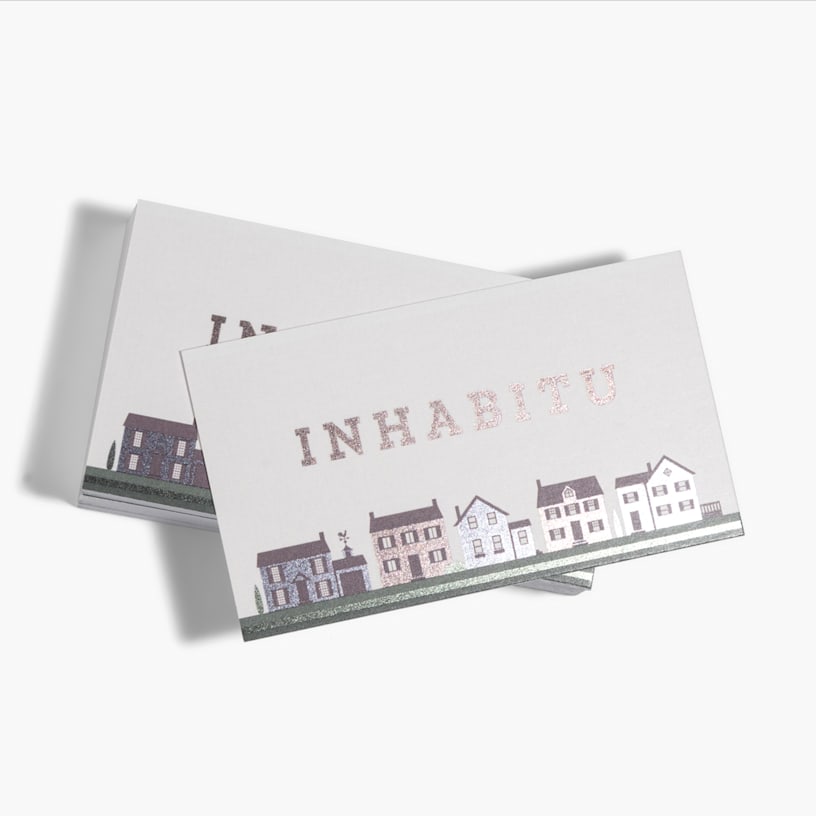
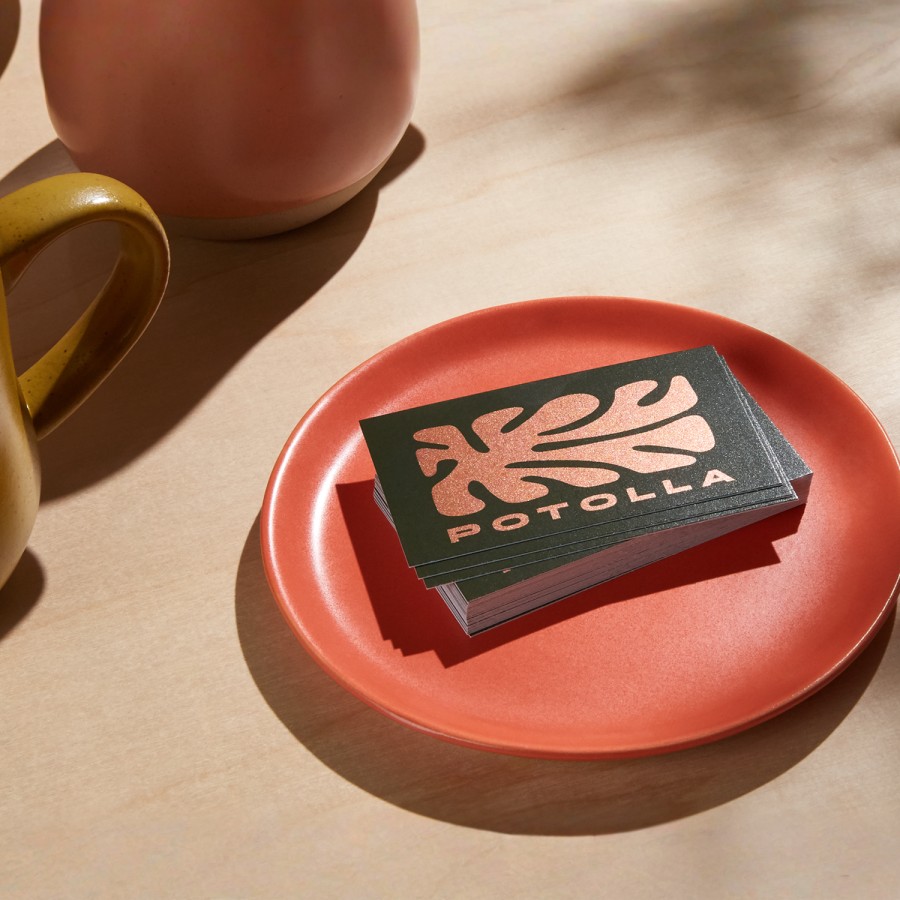
Foil Accent Business Cards

Play up key info and images with foil accent cards.
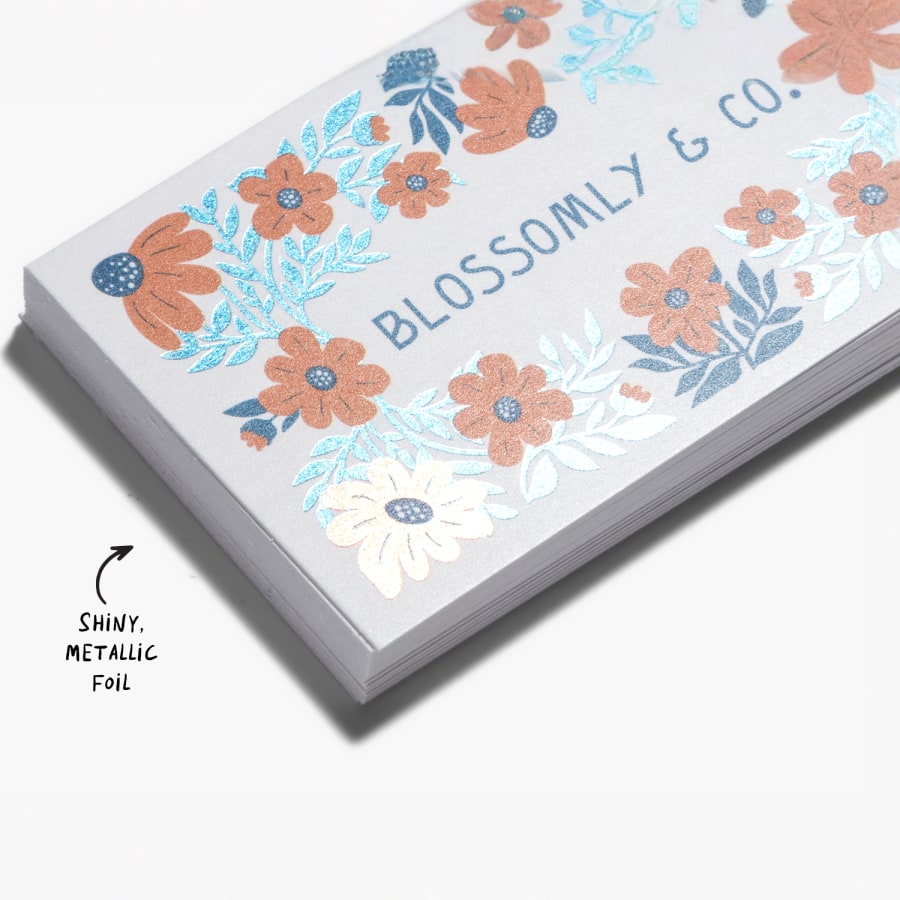
- Shiny, metallic foil on the front of your card
- Matte or glossy paper options
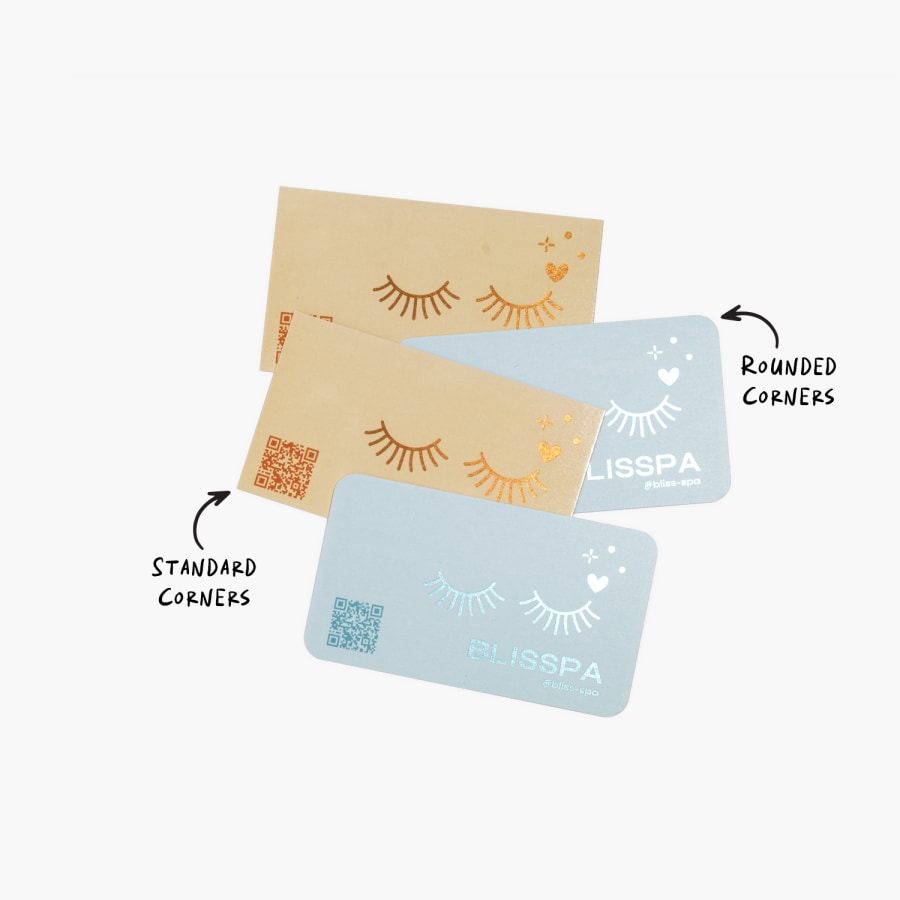
- Rounded corners available
- Range of foil colors to match your design
- Best for high-contrast, brighter colors
- 2 paper thicknesses: standard (14pt) & premium (16pt)
Cards that shine
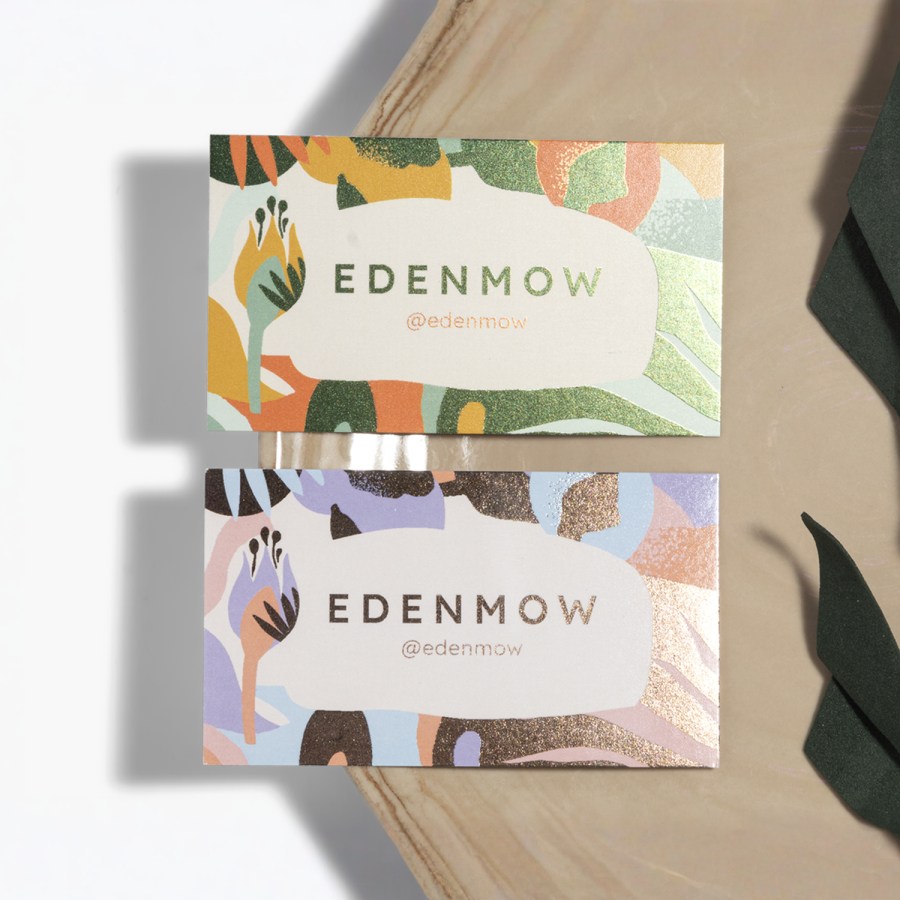
Ready to go from standard to standout? With foil accent business cards, you can add metallic foil to the front of your card, including your company name, logo or text. The shiny finish adds a layer of creativity and professionalism to your card. And the reflectiveness beautifully complements bold text and high-contrast colors.
Style & substance
While foil business cards simply look great, they also help you direct customers where to look. You can spotlight the key information or design elements that you want to stand out. This can help keep timely messaging, updates or branding top of mind.
Design made easy
Start by choosing one of our templates or upload your own. Then, use the accents to help create an eye-catching, memorable look. In most cases, you can choose exactly where you want to add the metallic foil. If you have any questions about how to do that, you’ll see an option to request help. And if you're looking for an alternative to our flat metallic printing, you can always check out our raised foil business card.
Better by Design
This item is part of our Better by Design collection, which connects you to responsibly sourced products. Learn more.
What Makes it Better
Responsibly Sourced Materials: Products made from responsibly sourced materials are designed to help reduce environmental impact. They're selected not only for the materials themselves, but also with consideration for the workers who farm and manufacture them, indigenous communities affected by production and the biodiversity in and around production areas.
Reviews
Reviewed by 3153 customers
Frequently asked questions
Foil can come in multiple colors, depending on your design you can even have gold foil business cards. For thickness, you have a few options. Standard paper (14pt), and premium paper (16pt). Each point (pt) is equal to .001 of an inch, to give you a frame of reference. You can also pick either glossy or matte finish with either paper.
Yes, here are a few pointers to help you out:
- Since the foil is reflective, make sure any foil-printed text is 10pt or larger to help with readability.
- To maximize the effect of the foil and make certain things stand out, try to limit how much foil you use.
- We’ll make the foil color match the original color of your design as closely as possible – bright colors and high-contrast designs usually look best.
The metallic foil is flat. We do offer raised foil business cards, if you’re looking for a more textured, 3D look.
Great question – and the answer is a bit different depending on whether you upload your own design or go with one of our templates.
When you start customizing one of our templates, you can click on the “Finishes” option to see where you can add foil to your design.
As you go through the process of uploading your own design, you’ll see an option to add foil to your text, your images or both. And if you’re not sure when the foil should go, there’s even an option to have our designers choose for you!
For uploads, the foil sections will be the same color as they are in your original design. For templates, you can change the color of different text, images and patterns you’ve added foil to.
For complete information about card dimensions, check out our business card size guide.
No, our printing process for metallic business cards only allows for foil to go on the front of the cards. However, full-color printing is available on the backside of the card for an additional charge.
Unfortunately, we can’t offer foil accents on square business cards. However, we are happy to offer foil on rounded corner cards! You can find that option in the choices above.
When you’re designing your metallic business cards (even if you’ve chosen an existing template), you can click on text or images and you’ll see an option that lets you turn the special finish on or off. Note that you may not always have this option for all text and images.
If you’re uploading your own artwork, and you want a specific area to be metallic, make sure to upload that part separately then click “on” to activate the metallic finish. For design assistance. And if you’re having any trouble, you’ll always see an option onscreen to reach out to us for help.