 Zoomed to minimumUse plus and minus key to zoom and arrow keys to pan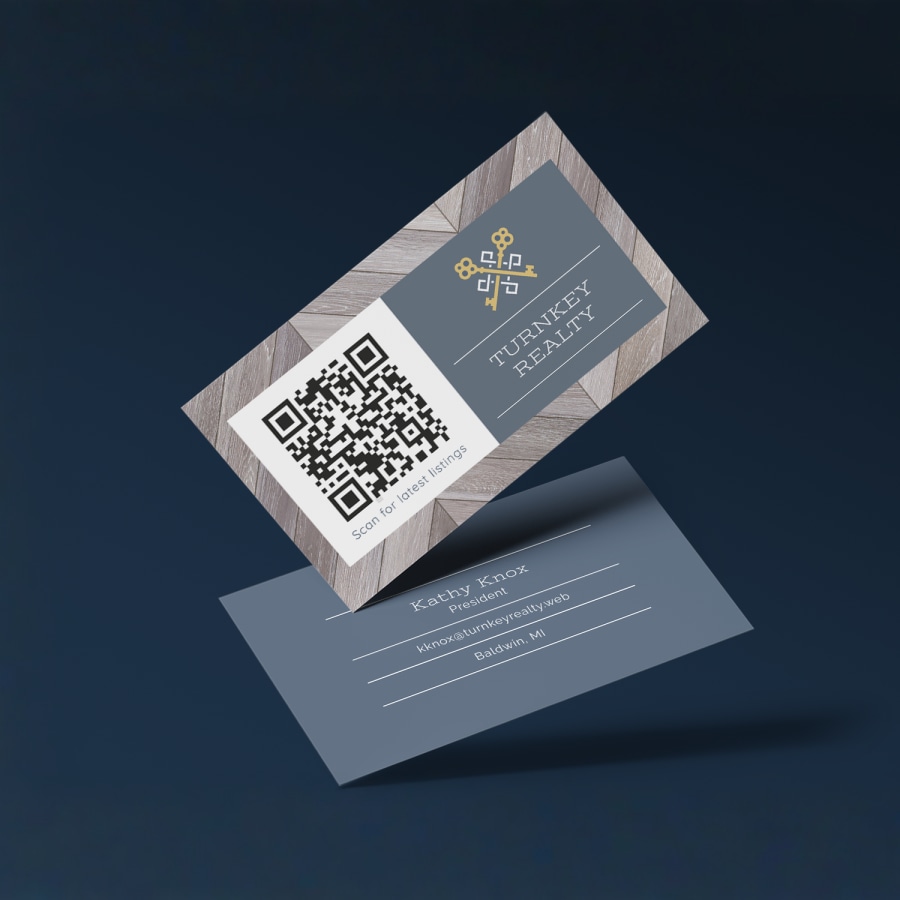
QR Code Business Cards

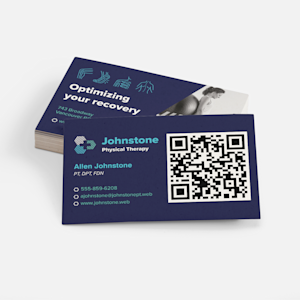
Connect with customers in a snap with QR business cards.
- Automatically generated QR codes
- 12 paper stock options
- 2 shape & corner options
- Special finishes available
Smart technology
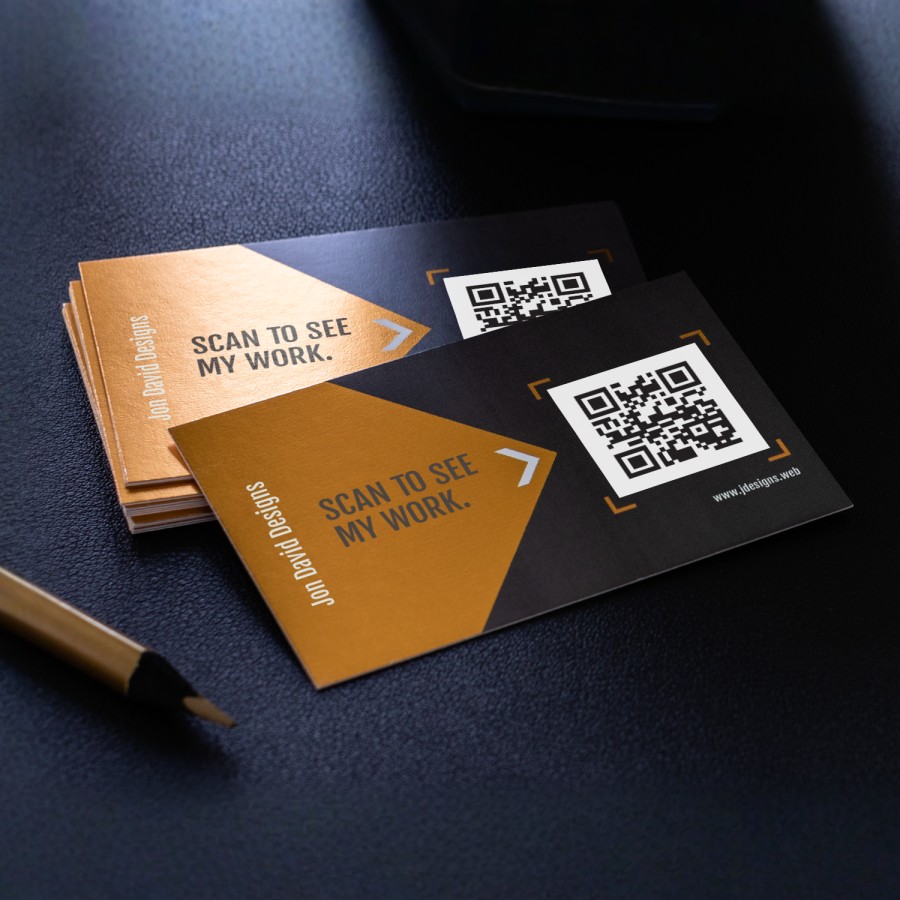
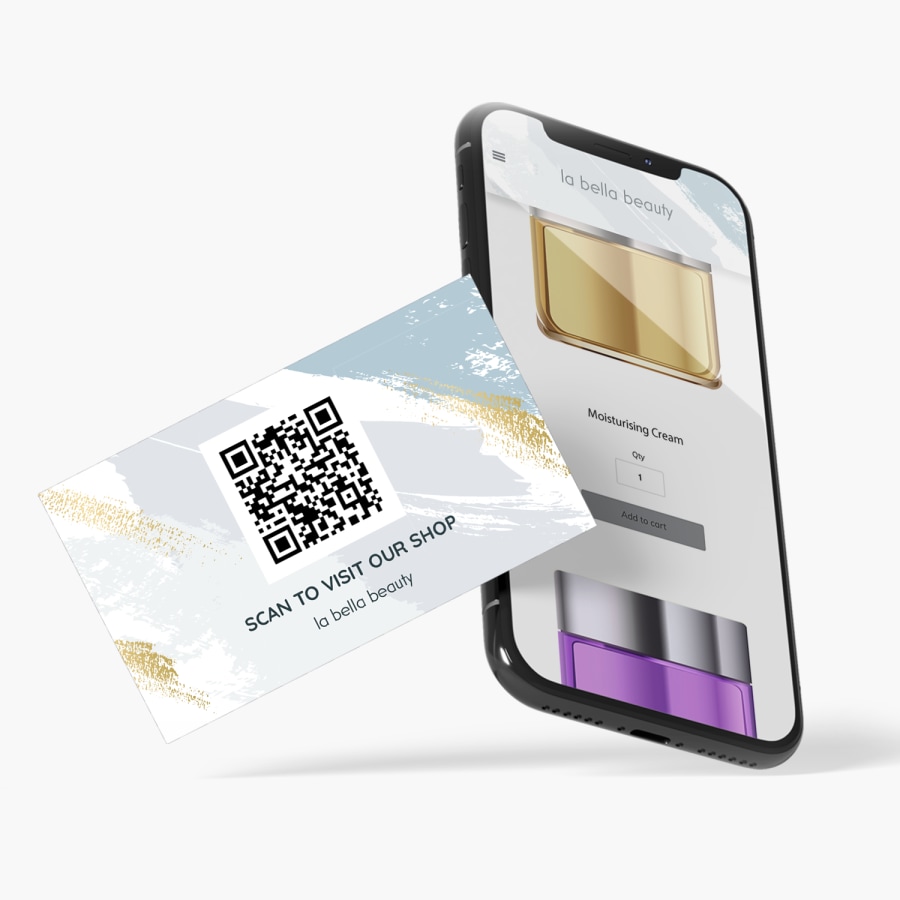
QR business cards are a great way to turn a quick meeting into a long-term relationship. Smart scanning technology instantly links people to the website or page of your choice – including your web store, photo gallery or scheduling calendar. This lets you deliver a powerful follow-up to your introduction, and gives you even more opportunity to impress.
Automatically generated codes
Business cards with QR codes are a great option for almost any kind of business – and any level of tech savviness. As you design your card, you’ll reach a step where you tell us which URL you’re going to link to. We’ll create a custom QR code for you and make sure it links exactly where you want.
Easy to design, with lots of options
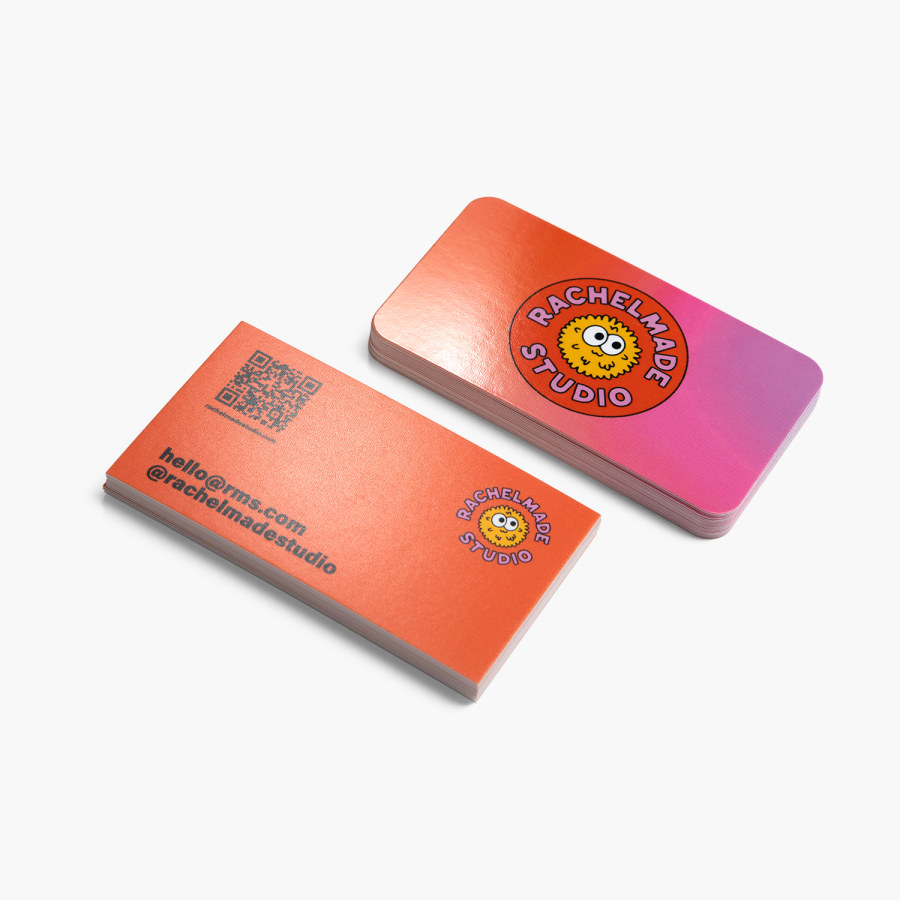
Since QR codes don’t require special paper or printing, QR business cards are available with nearly all of our customization options – a wide range of paper stocks, shapes and thicknesses. And if you choose our 3.5" x 2" shape, you can add a special finish – foil accent or embossed gloss – to the front of your card. Just upload your design or customize one of our templates with your business info. Add your URL (as mentioned above) and you’ll be ready to place your order. And if you have any questions before you do, you’ll see an option to chat live with one of our experts.
Better by Design
This item is part of our Better by Design collection, which connects you to responsibly sourced products. Learn more.
What Makes it Better
Responsibly Sourced Materials: Products made from responsibly sourced materials are designed to help reduce environmental impact. They're selected not only for the materials themselves, but also with consideration for the workers who farm and manufacture them, indigenous communities affected by production and the biodiversity in and around production areas.
Reviews
Reviewed by 2446 customers
Frequently asked questions
As you design your cards in our online studio, you’ll see an option on the left called “QR Codes.” Select this to see a space where you can link your code to the online destination you want. Your custom QR code will appear as an image onscreen, where you can resize it and move it over the placeholder. Then, you can actually scan the QR code to make sure everything is working the way you want. And if you’re having any trouble, you can always reach out to us for help.
No, our QR code business cards come with an automatically generated code that are ready for you to use.
Yes, you can choose from a variety of paper stocks with our QR code templates. You can also upgrade to a square shape, rounded corners and special finishes (embossed gloss or foil accent). Keep in mind that special finishes aren’t available with square business cards. Go to the “Options” section to see all the available options.
We have experts standing by, and we’re happy to walk you through linking your QR codes to the site or web experience you want.
Building or updating your website isn’t included with QR business cards. However, if you do want to create or update the online online presence, you can check out our digital marketing services.
You’ve got plenty of options. If you’re a restaurant, you could link to a menu or reservation form. If you’re an online retailer, you could link to your web store. If you’re a service provider, you could link to a signup form or customer reviews. The best part of business cards with QR codes is that you can direct customers (or anyone else) exactly where you’d like them to go next.