
Custom Desk Calendars

Reviews
Reviewed by 1613 customers
Frequently asked questions
Our online studio is designed to make creating your desk calendar simple yet fun, and we’ve packed it with all sorts of cool features.
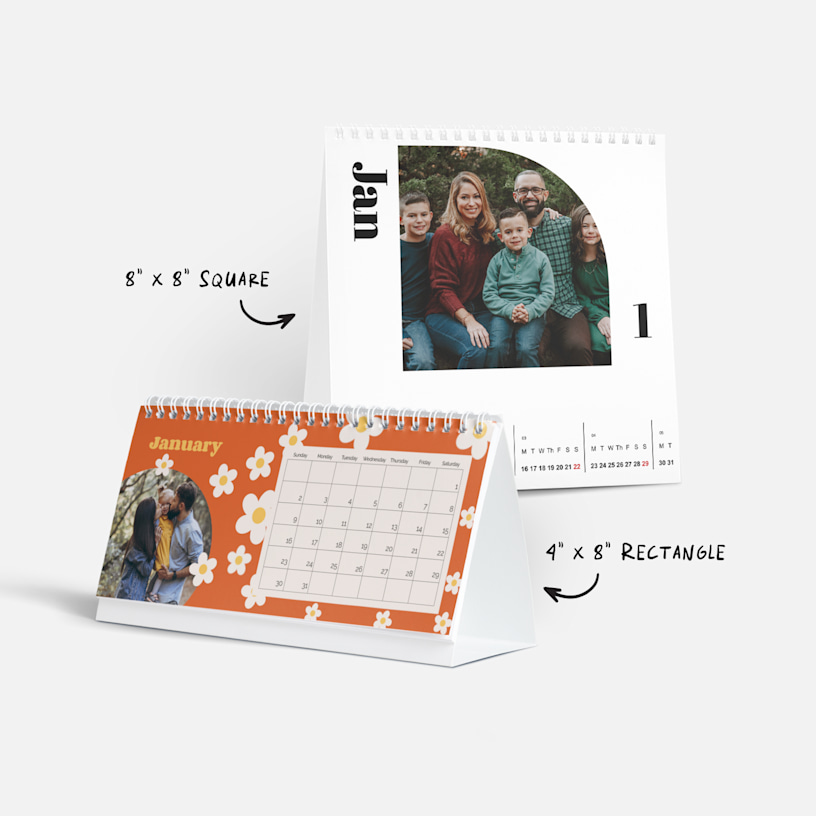
To start, choose a calendar size and then head to our gallery to find a calendar style that you love. After you’ve selected a template, we’ll take you into the studio where you can customize your calendar to your heart’s content. You can select layouts with single or multiple photos or choose from fun backgrounds. You can also add photos to your calendar’s grid along with custom text.
For more detailed information about our different customization options, check out this article. And if you need help or advice along the way, we have a team of design experts ready for you.
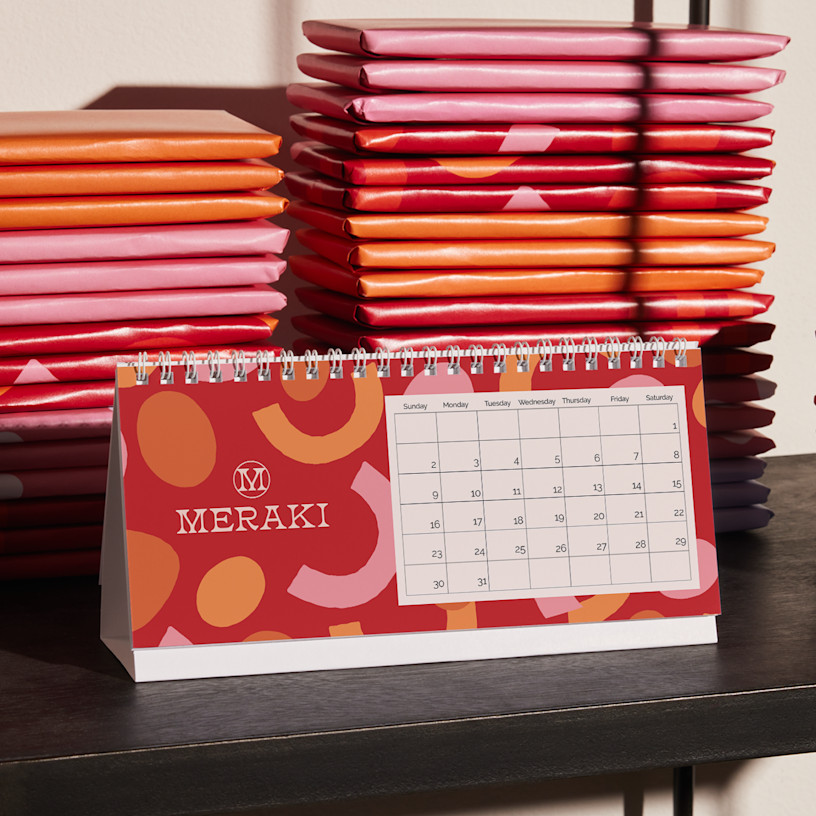
That depends on which size you select. If you choose our rectangular option, you’ll have the chance to add text or decorations to your design. We have an extensive clipart collection that lets you add all sorts of clipart to any date you’d like. You’ll also be able to customize holidays and special dates that you want printed on your rectangular calendar – you can remove any of our recommended holidays, plus label birthdays, anniversaries and more.
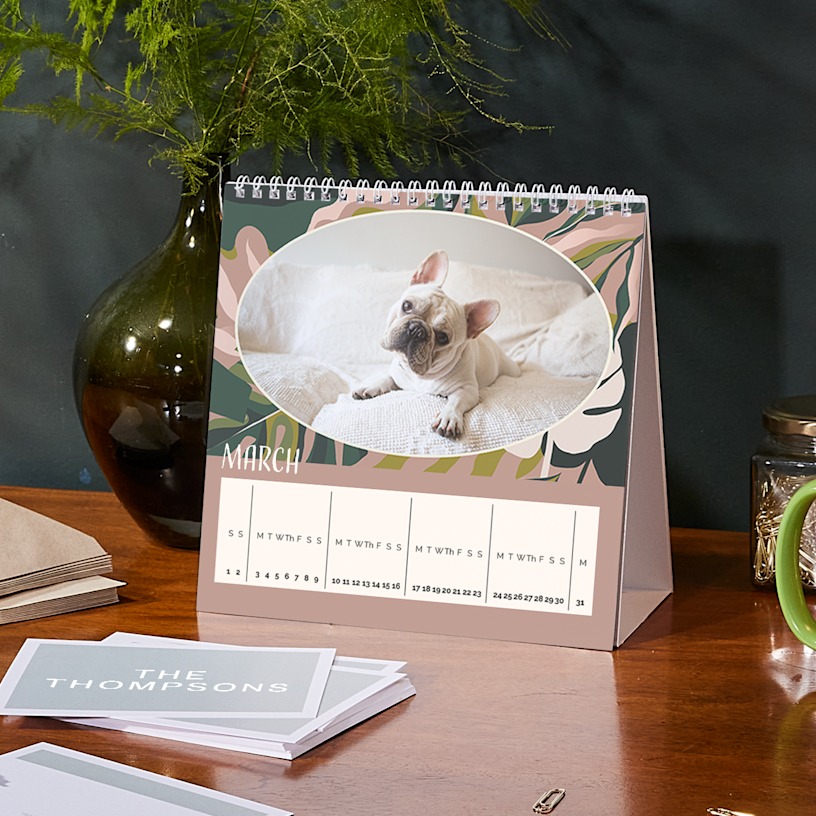
Currently, we do not offer custom dates on our square calendar.
Yes. To reorder, log into your VistaPrint account. Go to “My Account” in the top right corner of your screen and select “Order History & Reorder.” Scroll to find the calendar you wish to reorder and select the “Edit & Reorder” button. You can update previous calendars with the current year and your custom design from that year will remain the same. However, please note that while custom events like birthdays and holidays are transferable, clip art is not.
Depending on when you placed your order, you may need our Design Services team to recreate the calendar on your behalf. If this is the case, you’ll see a pop-up notification after you click “Edit & Reorder.” Once you see the notification, select the button that says “Let us help” – you’ll be able to request a calendar recreation with our team.
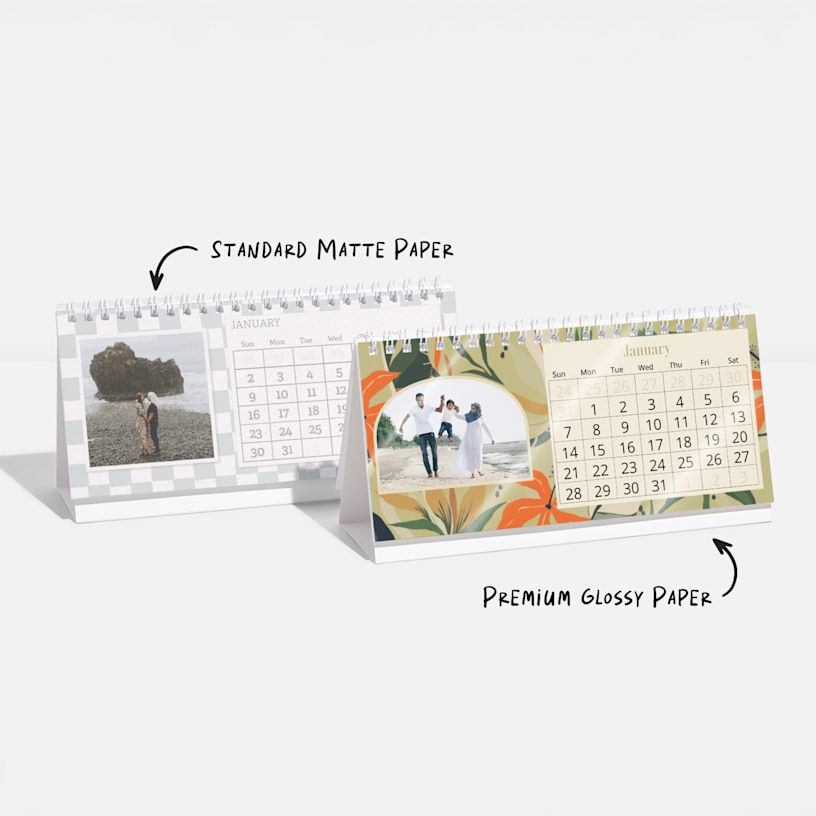
Paper options differ for each calendar size. Our square desk calendar only comes in one paper stock option: standard matte, which is uncoated.
However, if you opt for our rectangular desk calendar, you can choose between standard matte or premium glossy paper stock before completing your order. The premium glossy stock has a UV coating.
Once your desk calendars are all printed and ready to go, we’ll ship them with your choice of economy, standard or express shipping. Economy is our most affordable option, and free for orders over $100. If you’re in a time crunch, express is your fastest option, usually taking around 3 business days.
Be sure to check the shipping calculator (where it says “Get is as soon as…”) for more accurate estimates and pricing depending on your location.