

 Zoomed to minimumUse plus and minus key to zoom and arrow keys to pan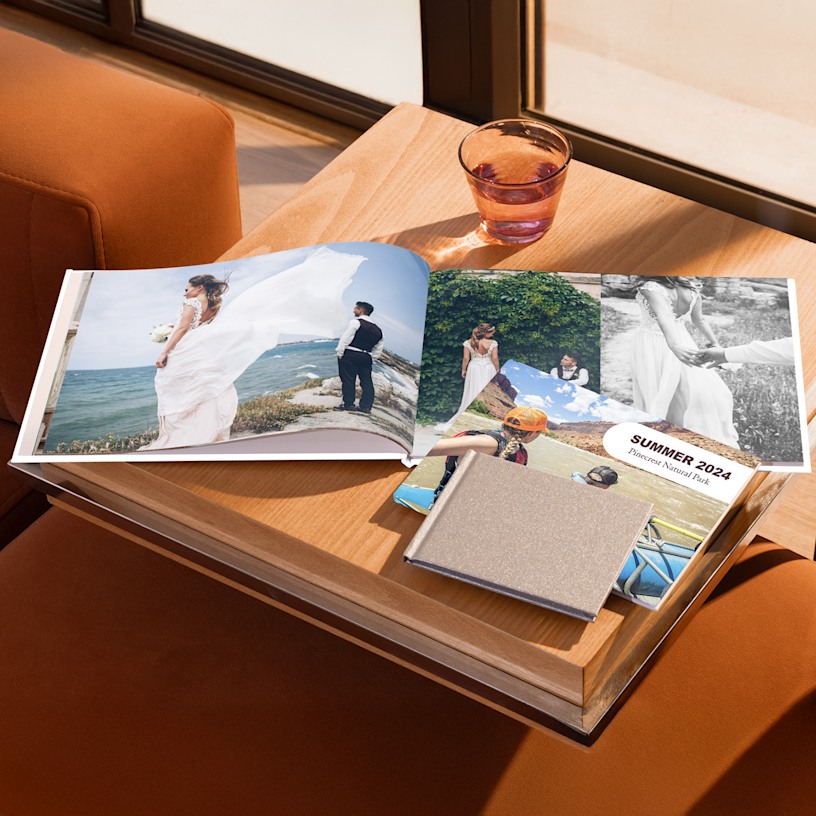
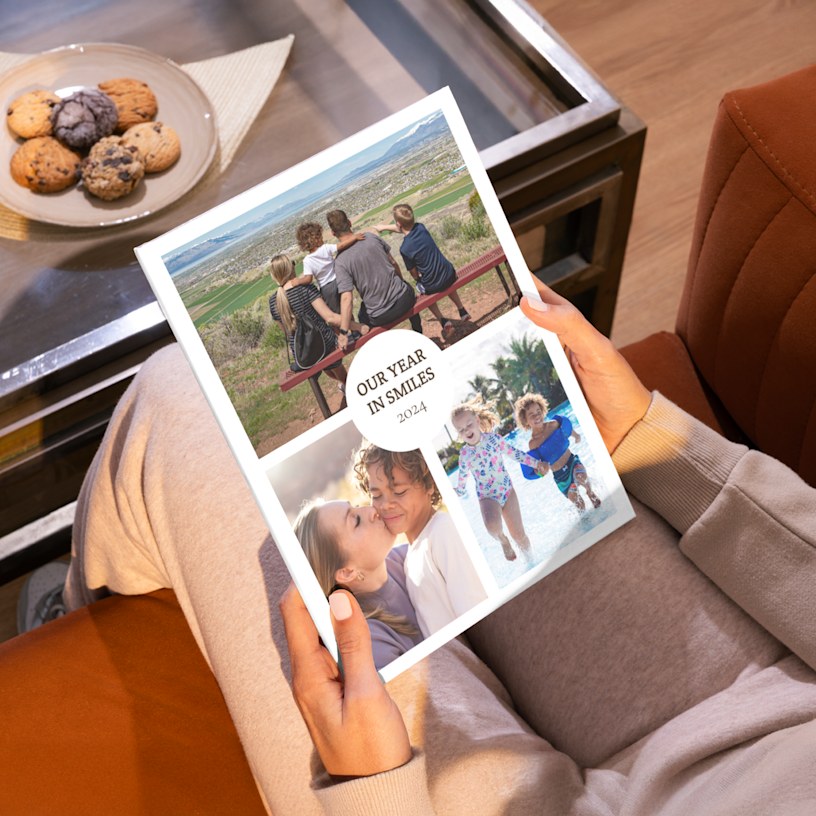
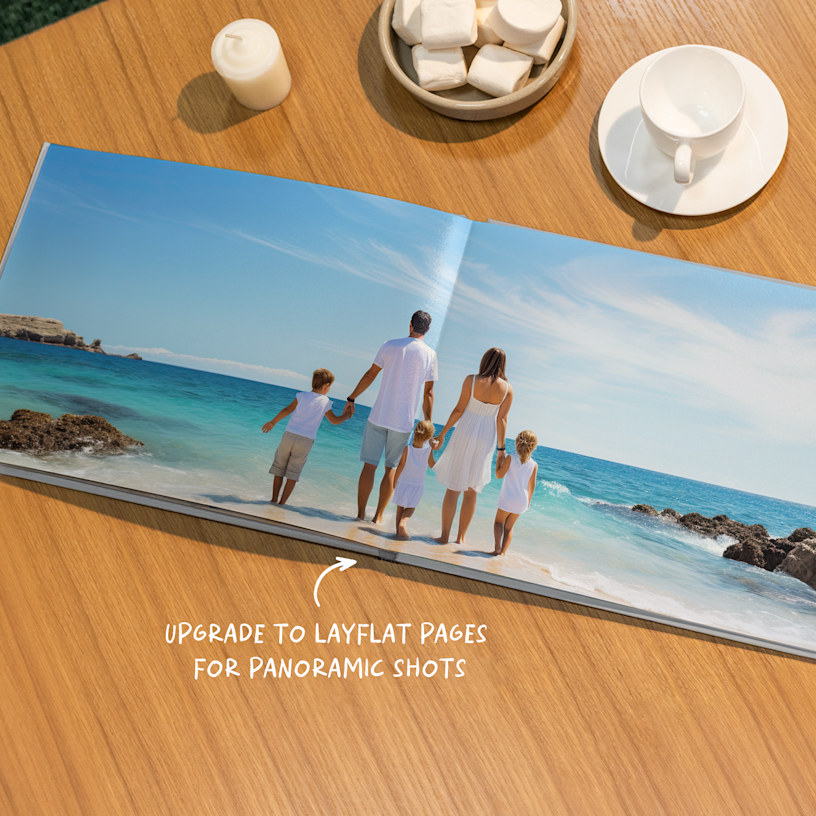
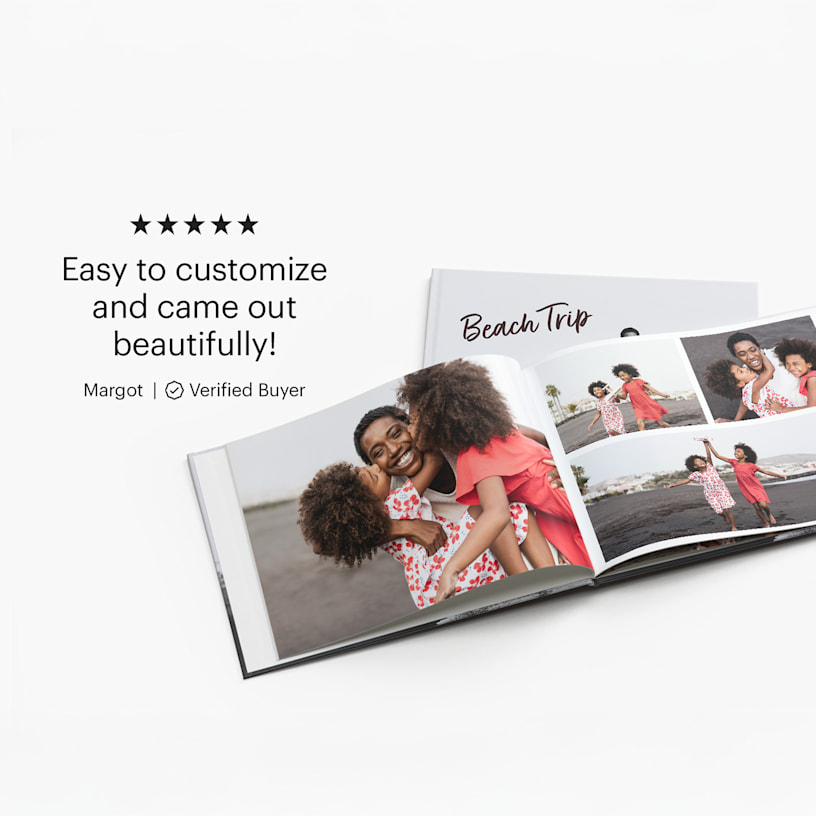
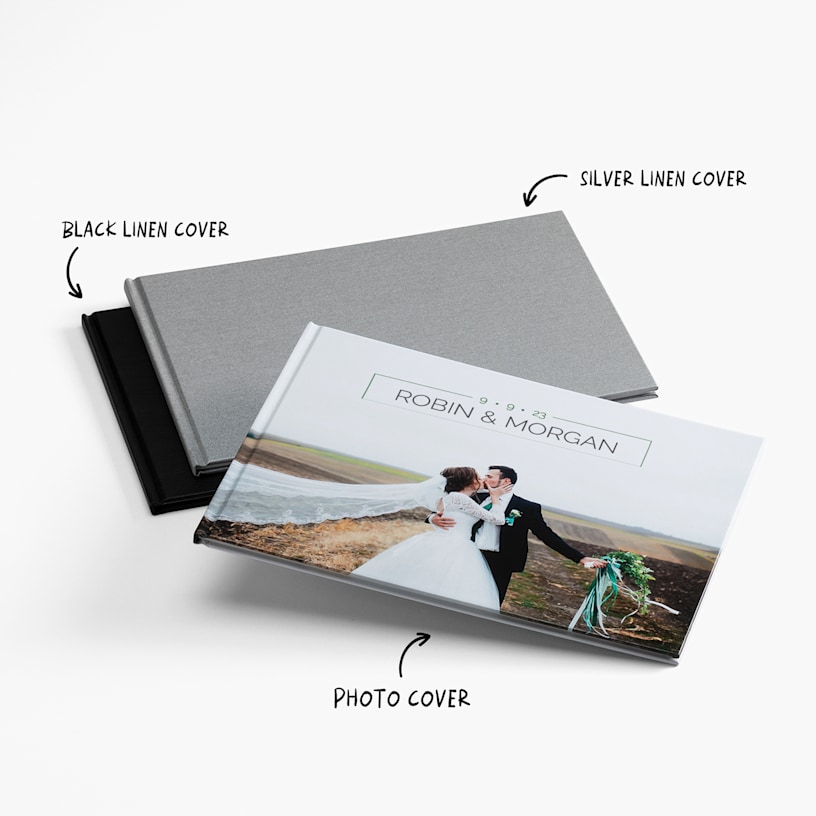
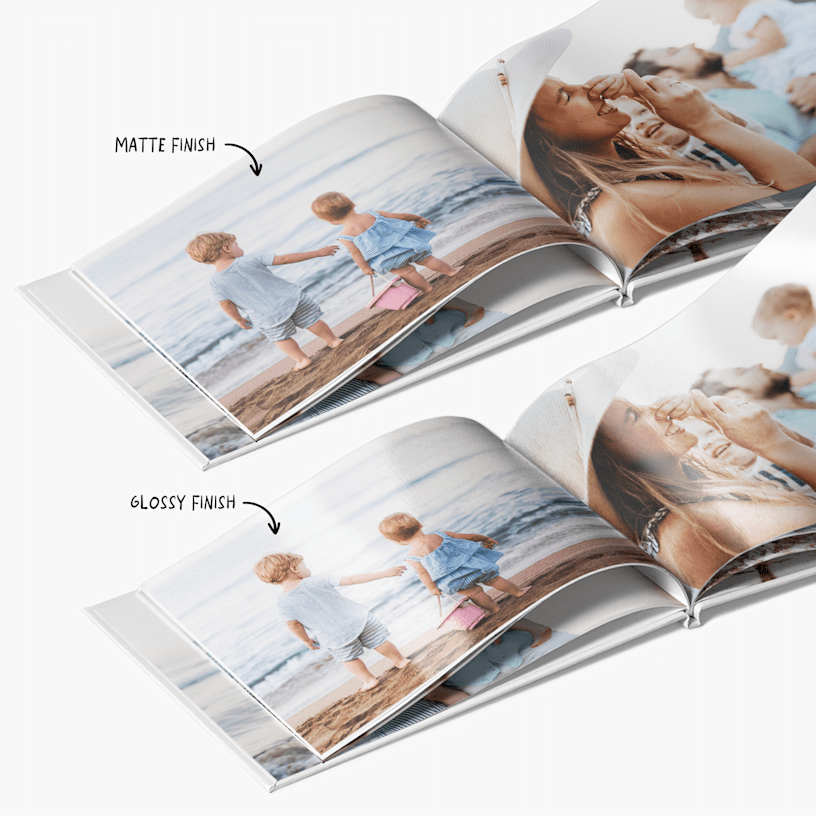
Photo Books
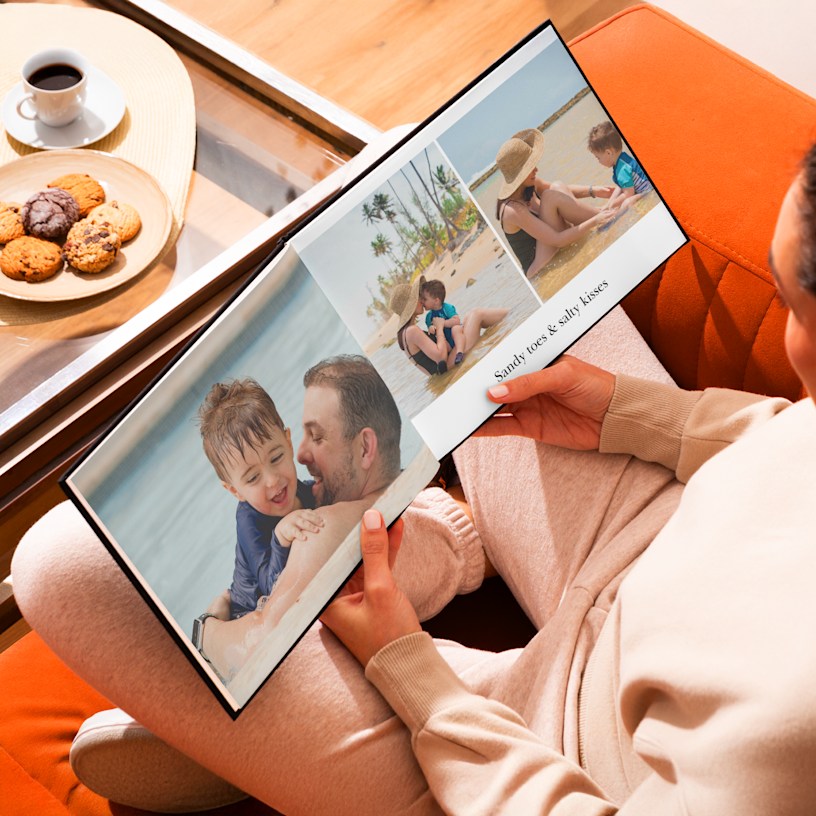
Create a home for happy memories with VistaPrint’s photo book maker.
- 7 size & layout options
- 2 paper stocks available
- Linen or photo cover options
- 24-120 pages of full-color printing
- Professional hardcover binding
- Layflat binding available on select sizes
- Smart Assistant technology instantly selects photos and creates layouts
Moments you can hold
There’s nothing like looking back at favorite memories. That’s why we’re proud to offer custom photo books that celebrate your most meaningful moments. Whether you’re creating a wedding photo album, baby photo book, travel keepsake, a Christmas photo book or even a brand portfolio, our albums bind your images together beautifully – without breaking the bank. Plus, with over 20 years of print expertise and a friendly support team here to help 24/7, you can be confident your photo album will turn out just like you pictured.
Details you’ll love
Your photo album book should feel as unique as the memories it holds – so we’ve given you lots of personalization options. Choose from a range of sizes, layouts, and covers, including linen and photo covers. We also offer layflat binding on select sizes, which creates a seamless, 2-page layout ideal for displaying panoramic images. For paper, select standard matte or upgrade to our premium standard glossy option – a slick, coated finish that delivers richer colors and greater contrast.
2 editor options for easy creating
Feeling inspired? We’re ready with 2 design editors – a mobile-friendly option for creating photo books online or a downloadable photo book maker you can use on your computer. (To learn more about each, see our Editor Options section.) Whichever editor you prefer, you can easily upload photos directly from your phone. And after uploading we’ll walk you through the process step-by-step. Or use our Smart Assistant, a built-in tool that automatically selects your best pics and designs layouts, creating a photo book fast. Once you’re happy with your design, we’ll professionally print, bind and package your creation – and then we’ll send it to your home. Your photo album will arrive looking crisp, polished and ready to become a heartwarming classic.
What customers love about our Photo Books
We’ve received more than 2,000 reviews for our Photo Books. Here’s why they continue to be a top-rated choice:
- Excellent overall product: 273 reviews
- Crisp image quality and vibrant colors: 239 reviews
- Thick, sturdy paper and durable binding: 173 reviews
- Easy-to-use tools, featuring automatic photo placement: 182 reviews
- A long-lasting gift or keepsake, for less: 143 reviews
Reviewed by 2856 customers
 United States |
 United States | United States | United States | United States |
At VistaPrint, designing a photo book has never been easier with Smart Assistant. All you have to do is provide the photos and then the program’s smart technology will select your best images, remove duplicates and create high-quality page layouts. Smart Assistant works in just minutes – and you’ll be able to make any changes you’d like, add custom touches and more.
The most common files we accept are JPG and PNG files (see our full list of acceptable formats here). For the clearest printing results, use high-resolution images with at least 300 dpi.
4mb is the maximum size we recommend for an individual photo. Anything larger may cause problems as you upload your album. That said, there are no limits to the file size of the album itself.
Yes, with VistaPrint it’s easy to create a photo book on your phone! We offer a mobile version of our online photo book maker that lets you design and order your photo book on your smartphone or tablet. (Please note that our downloadable offline editor isn’t available on mobile, and size changes aren’t supported – so be sure to pick your preferred photo book size before you begin.)
If you’d like to work on your photo book from a computer instead, you can use our mobile photo transfer feature. This allows you to transfer photos from your mobile device to the desktop photo book editor by simply scanning a QR code. To learn more about this exciting new feature, check out this article.
For weddings and graduations, our 11" x 8.5" landscape photo book is ideal as it boasts a wider cover with ample space for vivid shots. This size is also great for capturing special travel memories that feature picturesque views. If you’re creating a baby photo book or birthday keepsake, our compact 5.5" x 5.5" or 8" x 8" square photo books offer a sweet, portable size that’s easy to flip through and share. These smaller formats beautifully highlight milestones like a baby’s first year or special family moments.
If you select our online editor, you can change the size of your photo book after you begin designing, but these changes must be made within the same book format and orientation. For example, you can switch from one landscape size to another, but not from landscape to portrait. Also, please note that size changes are not currently supported on mobile, so if you opt for this format, be sure to choose your preferred size before getting started.
Yes. Just click on “Product Options” and scroll down to “Sizes” and you’ll be able to see all our photo book layout options and their corresponding sizes. From landscape to square to portrait, we’ve got the perfect fit for your photos.
Our standard matte option has a smooth, subtle finish with a soft sheen, while standard glossy has a shiny, coated surface that makes colors appear richer and more vibrant.
The process varies slightly based on which of our design editors you’d like to use.
Downloadable (Offline) Editor: This editor is our most popular – when you install this photo book maker on your computer, it will guide you through the entire process. (Downloading is quick and easy – less than 3 minutes). After you select your photo book’s size, the editor will help you add photos directly from your computer onto the book. Work is saved to your computer – when your design is finished, the program will upload the book to our site so that you can complete your order. The Downloadable Editor also includes an assortment of extra design options, which are especially helpful if you’re interested in adding a lot of custom details to your album.
Online Editor: With our online tool, you can create your own photo book online – no downloads required. Upload photos from your computer and then place them onto the pages as you’d like.
With both editors, you can preview your final photo book to confirm that all text and images are properly aligned within the safe zone and will print perfectly.
Layflat photo books and regular photo books utilize different binding techniques to hold their pages together. With layflat binding, the book’s pages lie completely flat when the book is open. Unlike regular photo books, layflat photo books have a less prominent center seam – this removes any visual interruptions, so you can fully take in your photos.
Both are excellent options for preserving and showcasing photos. That said, layflat photo albums are especially great for displaying panoramic shots and photos that extend across 2 pages. In fact, lots of newlyweds prefer layflat albums for their wedding photos – the seamless layout is a beautiful way to showcase wide shots of friends, family and the wedding party.
Note: Layflat binding is available in sizes L and XL only and comes with extra thick paper stock.
Delivery times vary depending on your location and the shipping speed you select. Be sure to check out our delivery options for more info.