


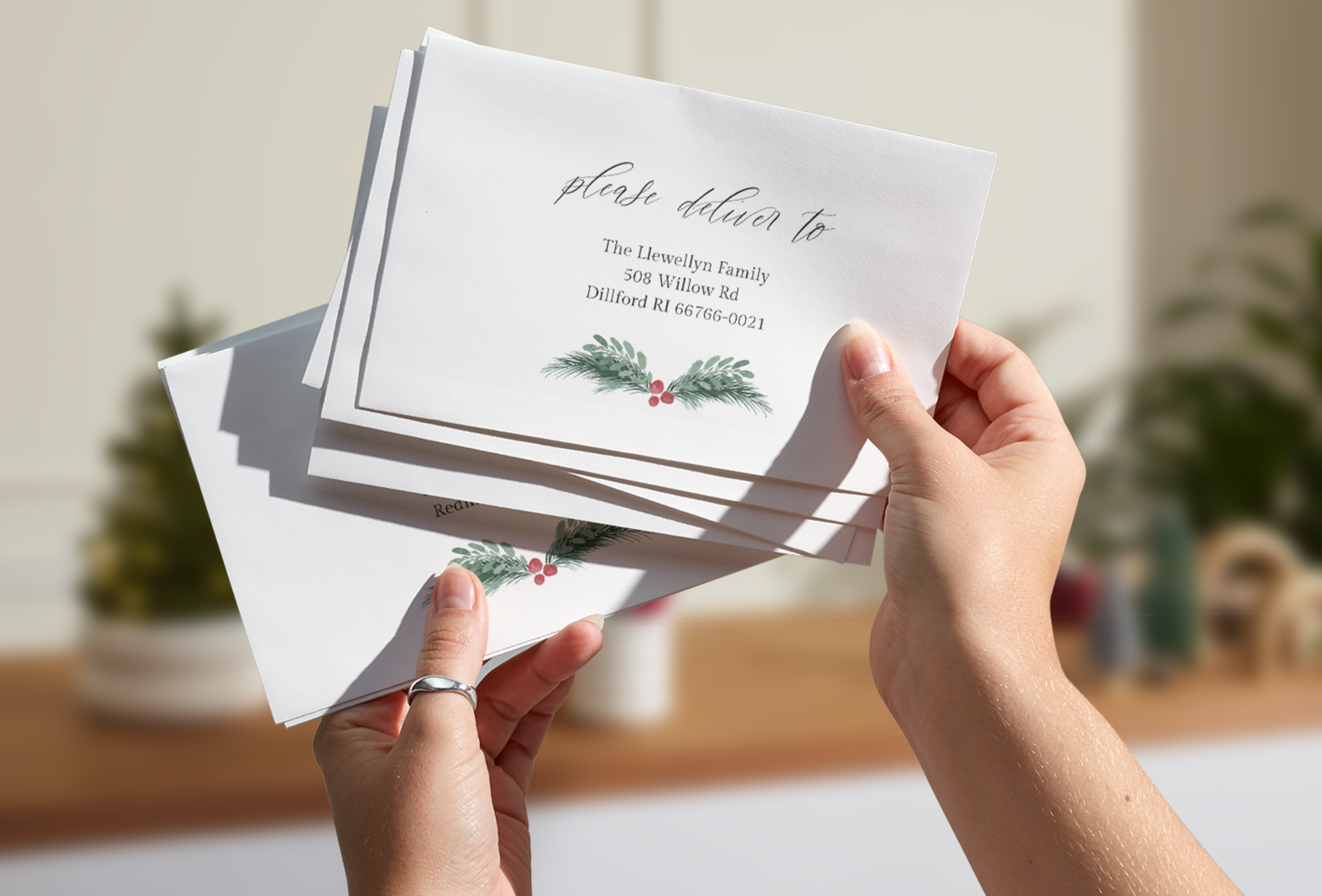
Planning an event? Let us help.
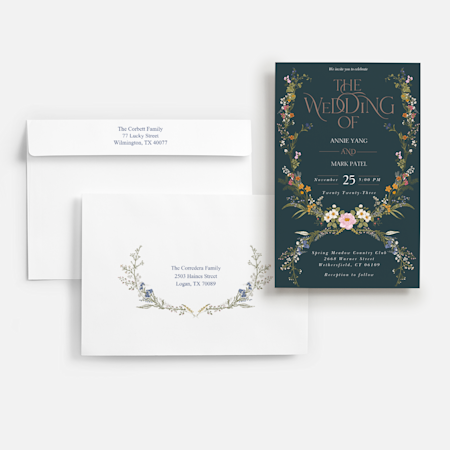
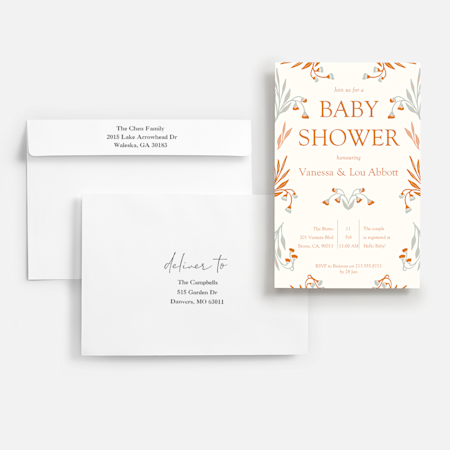
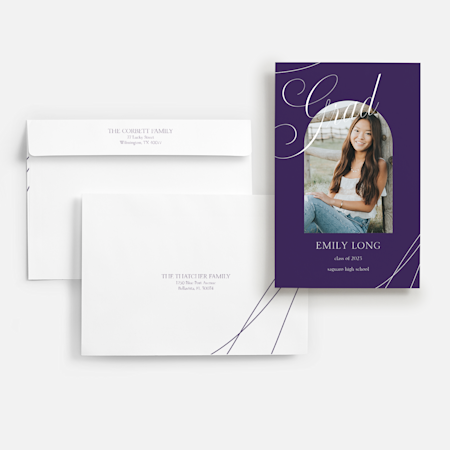
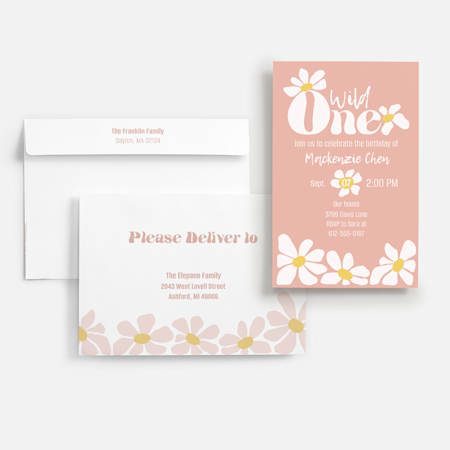
Creating pre-addressed envelopes is simple. After designing cards, select your envelope type – you can choose our matching custom envelopes or browse our other envelope options. Then, decide whether you want to print envelopes with return addresses, recipient addresses or both. From there, add each of your addresses one by one. After you’re finished, we’ll review your addresses and scan them for errors. If everything looks perfect, just click “Add to cart” and finalize your order. You can follow this same process for addressing wedding invites, holiday cards, grad announcements and more.
You can print up to 20,000 addressed envelopes.
No. As long as you stay within our limit of 20,000 envelopes, addressing is free when you purchase our custom envelopes or white addressed envelopes.
Yes. Once you’ve uploaded your addresses, we’ll check each one to make sure all your envelopes can be delivered as addressed. If we detect any errors, you can opt to fix them yourself or have us make adjustments for you.
We automatically save your address list and securely store it in your VistaPrint account. You can even upload and save multiple address lists. Once uploaded, you can access your list(s) at any time – just click on “My Account” and select “Mailing Lists.”
At this time, we can print your addresses on custom envelopes and printed white envelopes. Envelope addressing is not available on colored blank envelopes or white blank envelopes.
Yes. We can print your return address as well as recipient addresses. If you’re only interested in featuring your return address, that’s an option too.
No. Recipient addressing will not affect the timing of your order.
You must order cards or invitations to take advantage of envelope addressing service. However, if you’re only interested in return addressing, you can purchase a batch of custom envelopes.