Zoomable Image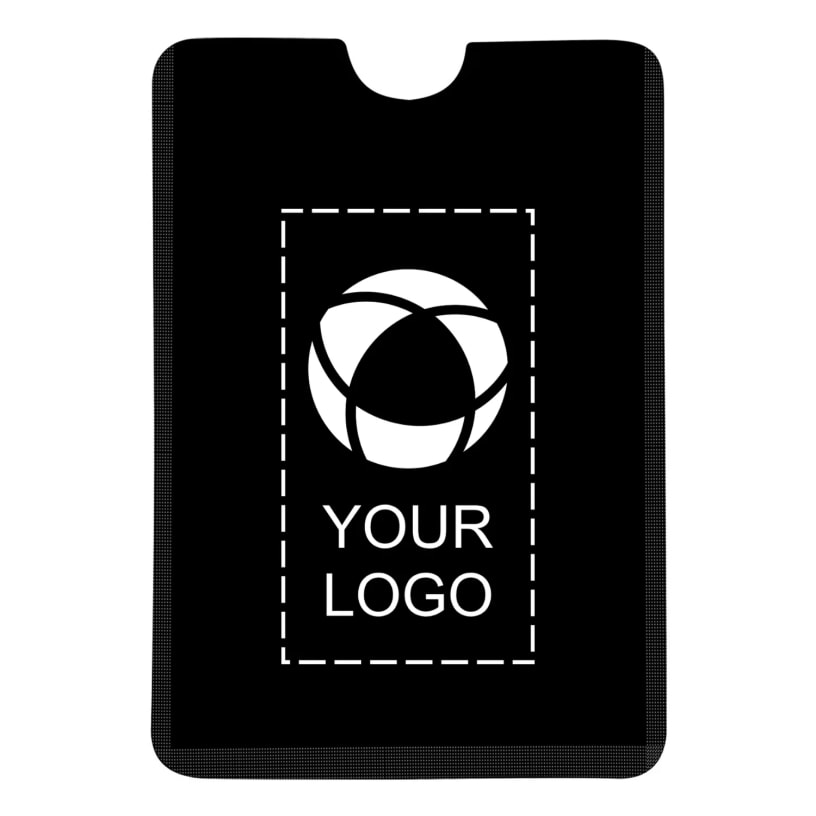 Zoomed to minimumUse plus and minus key to zoom and arrow keys to pan
Zoomed to minimumUse plus and minus key to zoom and arrow keys to pan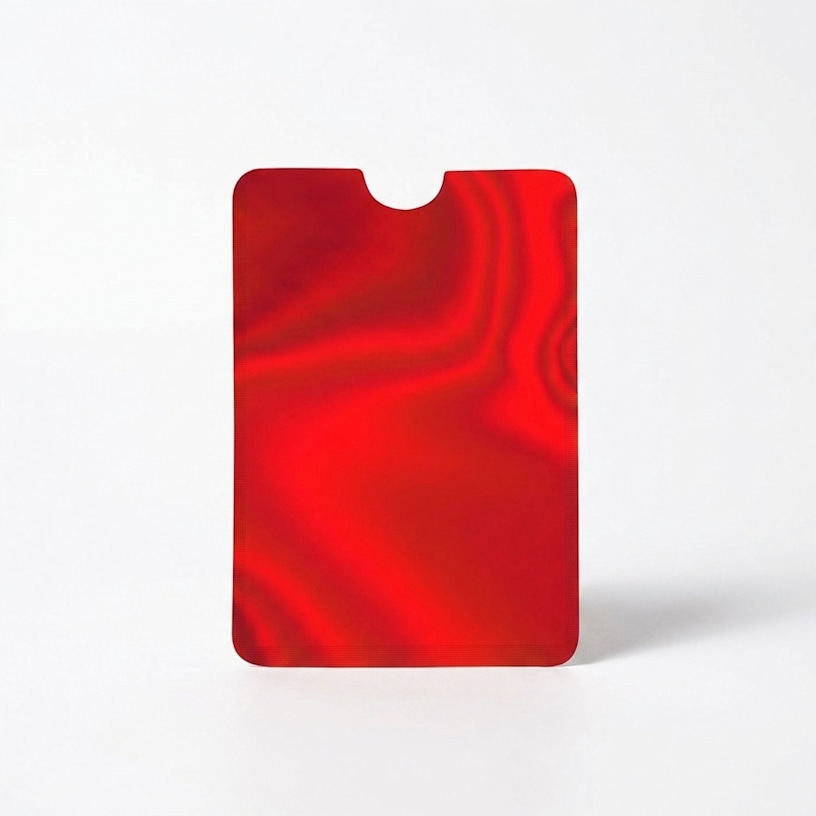
RFID Blocking Phone Wallet
Keep your cards secure with RFID-blocking technology that helps protect against digital theft. Adheres to the back of your phone.

Protect your credit card data from digital theft on the go.
- PET outer with aluminum inner
- Strong adhesive backing for phone attachment
- RFID blocking technology
- Works with any contactless chip card
Protect your credit card information from digital theft with this phone wallet that features RFID-blocking technology to prevent unauthorized scanning. Attach it securely to your phone's back to keep your contactless chip card safe while maintaining easy access throughout your day. It's easy to customize – add your logo, message or info using our intuitive studio. Need a hand? Our design experts are here to help bring your ideas to life.
Product features
Product Id
PRD-KIWDQ86SZ
Type
Phone Wallet
Brand
Unspecified
Weight
0.01 lb
Width
2.5 in
Height
3.6 in
Quality
Basic
Material
PET
Material composition
75% PET, 25% Aluminum
Reviewed by 1 customers
Poor quality
Aug 20, 2026 | Tania M. |  United States
United StatesI just received these and the color is not the same as what the picture says what i received is silver and the quality is very bad If i put my card in that and take it out it will peel off. . I didn't ask for a sample because I assumed it would be good since i have made several orders with you.
Response from Vistaprint Customer Care Team:
Thank you for your feedback. We are so sorry to hear that the RFID Blocking Phone Wallets did not meet your expectations. We understand your concern regarding the color arriving as silver instead of what was pictured, as well as your concerns about the material of your card peeling. We value your continued business and want to make this right. Could you respond to this email to confirm what color you thought you were receiving? The color that was ordered is silver. Also, please clarify what you mean by your card will peel if placed in the phone wallet. If your request is urgent and you need an immediate solution, please reach out to our Customer Support team via www.vistaprint.com/customer-care/help-center/. We look forward to working with you.
Displaying Reviews 1-1