
Logos are supposed to be fun, eye-catching and memorable. So, naturally, animated logos are a perfect fit! With the rise in digital-first branding, animated logos are more accessible than ever, and motion has been shown in branding research to boost attention, memory and overall engagement. So it’s no surprise that animated logos are taking off.
The question is, how to use them? There are a few different styles to choose from, such as animated loops or animations that spell out the brand name, as you can see by our animated logos examples below. In this guide, we’ll present the best animated logos for inspiration, divided into five categories, and then we’ll explain how you can get one yourself. Ready to dive into creation? You can also explore our guide to the best logo design software for every skill level, with animation tools and tutorials to get started.
- Animated logos help your brand stand out by using motion to boost attention and make your visual identity feel more modern and memorable.
- There are many animation styles to choose from, including looping, morphing, kinetic typography and 3D effects. Each one is suited to different brand personalities and creative goals.
- You can use animated logos across your entire digital presence, from website headers and social posts to video intros, presentations and email signatures.
- Choosing the right file format matters, and exporting your logo as GIF, MP4, MOV, SVG or Lottie helps it look sharp and load quickly on every platform.
- Creating an animated logo is easier than you might think, especially with tools like SVGator, After Effects or VistaPrint’s Logomaker

Source: Animated logo design by Lautzip via 99designs by Vista.
What are animated logos?
Animated logos are versions of your standard logo that include motion. That could be anything from a simple flicker to a full character transformation. Unlike static logos, animated logos use motion to emphasise personality, highlight key shapes or tell a story about your brand. Because digital platforms reward movement, logo animations are now a strategic way to catch attention and reinforce your key branding elements.
Why animated logos matter for modern brands
Research in psychology and marketing consistently shows that movement captures attention faster than still imagery. In the “Video Marketing Statistics 2025” report, Wyzowl notes that 96% of video marketers say video has helped increase brand awareness. Additionally, 99% of video marketers say video helped increase users’ understanding of their product or service. For brands competing in fast-paced social feeds or digital ads, an animated logo gives an instant engagement advantage.
Motion can also improve your storytelling as it helps audiences understand your tone, energy or purpose in seconds. Whether it’s a friendly bounce, a smooth fade or a bold transformation, movement gives your logo more depth than a static version alone can.
Looping animated logos
Animated logo loops are when the animation repeats in a way that makes it look continuous. While this style isn’t necessary for situations when the logo only appears once, it’s perfect for when the logo is continuously displayed. Looping animated logos work especially well in website headers, loading screens, hero banners, digital ads and autoplay social ads… any space where continuous motion draws the eye without distracting from other content.
The most important aspect when creating an animated loop is that the ending and beginning are the same so that it transitions seamlessly, but as these animated logos examples show, there are a few different ways to achieve this.

Source: Idea for animated logo design by Unlockit via 99designs by Vista.
In the example above, you can’t tell which is the start and end point of the logo design once the animation is looping.

Source: Animated logo design by Lautzip via 99designs by Vista.
If in doubt, fading to a static version of your logo can work in almost any situation. When a logo emerges and submerges into a static, it can loop endlessly with no negative effect on transitions. This allows the designer more freedom in other aspects of design, like colors and icons.
Changing animated logos
Changing animated logos don’t stay the same for long. The logo transforms from one image to another, such as an alternate version of the logo or an amusing play on the original.
A common use of this style is logos that change from a pictorial logo to a wordmark logo or switch between two different pictorial logos. Consider how you can best communicate your brand values to audiences – through static images, text or animation.
Another use of changing logos is to bring a little fun or amusement, using animation to light up your character’s or mascot’s mood. Adding a humanistic personality to a logo and using motion to enhance the logo encourages audiences to connect this personality to the brand.

Source: Animated logo design by OBV_design via 99designs by Vista.

Source: Animated logo design by Maryia Dziadziulia via 99designs by Vista.

Source: Animated logo design by Sava Stoic via 99designs by Vista.
This technique is a safe bet if you’re new to animated logos because you can simply add an action to a preexisting logo to create a deeper emotional connection with your audience and make it more memorable for them. It can be something as simple as changing the colors of the static logo design and adding some effects.
Other changing logos do more than entertain and connect with audiences; they give extra information about the brand and its services or products.
This style is ideal for playful brands, mascot-led identities, companies with evolving or seasonal identities, or any brand wanting to reveal multiple sides of its personality at once. But bear in mind that you’d essentially need to design more than one logo to create this changing look, but the extra effort pays off with a more dynamic and visually stimulating logo that outperforms solitary images.

Source: Animated logo design by Maryia Dziadziulia via 99designs by Vista.

Source: Animated logo design by Maryia Dziadziulia via 99designs by Vista.
Partially animated logos
Our next category of animated logos examples involves the least investment. They’re still mostly traditional logos, but with only individual parts animated or subtle overall animation. These are the least difficult to design because you’re essentially creating a static logo, but adding slight animations to certain parts.
Typically, partial animation works best in the background. It adds a certain atmosphere and urgency that brings the logo in the foreground to life – important for memorability and getting new people to notice you.
Often, the central focus of the logo is static while only the background elements are in motion. This makes the center focus seem stronger.
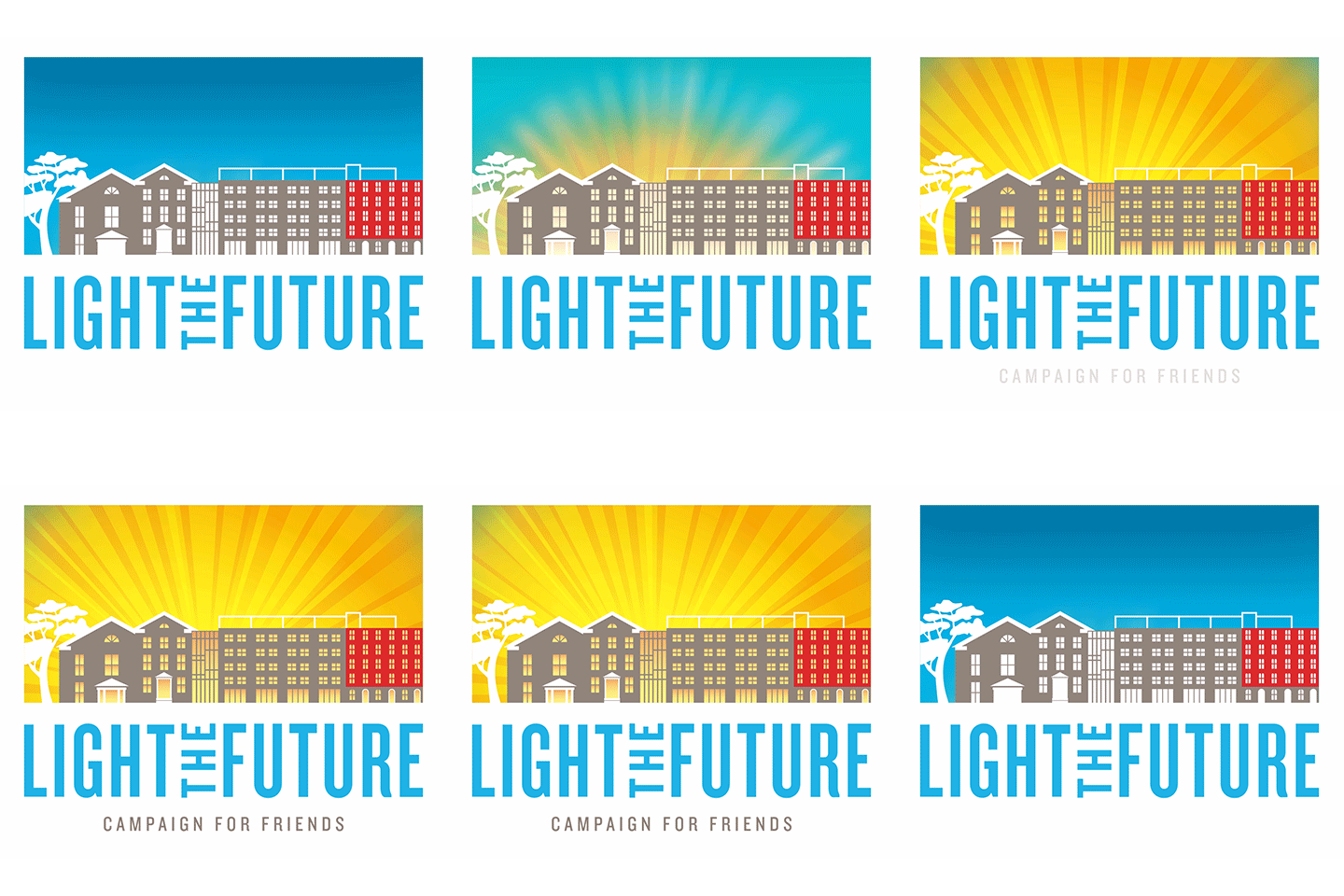
Source: Animated logo design by ultrastjarna via 99designs by Vista.
In this sense, partially animated backgrounds work to improve the static elements, while the animations themselves play more of a supportive role. So, it works well with brands that already have established logos and want to make them pop more without changing the look.
Subtle motion is often perceived as more premium because it feels intentional and refined. Small movements mimic micro-interactions seen in modern UI design, giving your brand a polished and contemporary feel. Subtle animation also works because it can be added to virtually any static logo, so this style is appropriate for most brands.
Source: Animated logo design by Maryia Dziadziulia via 99designs by Vista.
Animated introductions for logos
By far, the most common type of animated logo is one with animated “introductions.” The main logo image is still static, but in certain situations – like when used online – there’s a quick animated introduction where the logo elements come together.
This is the style commonly used by film production companies at the beginning of movies or the end of TV episodes, but with the modern capabilities of digital design, the style is now usable by any industry. The appeal is that you get the best of both worlds: a prominent display of a static logo that’s good for recognition later, but with a little extra flair at the beginning to improve memorability and amuse the viewer.
The key technique with this style is to focus on the end goal, the static logo front and center. From there, you simply add animations to get elements of the logo in place.
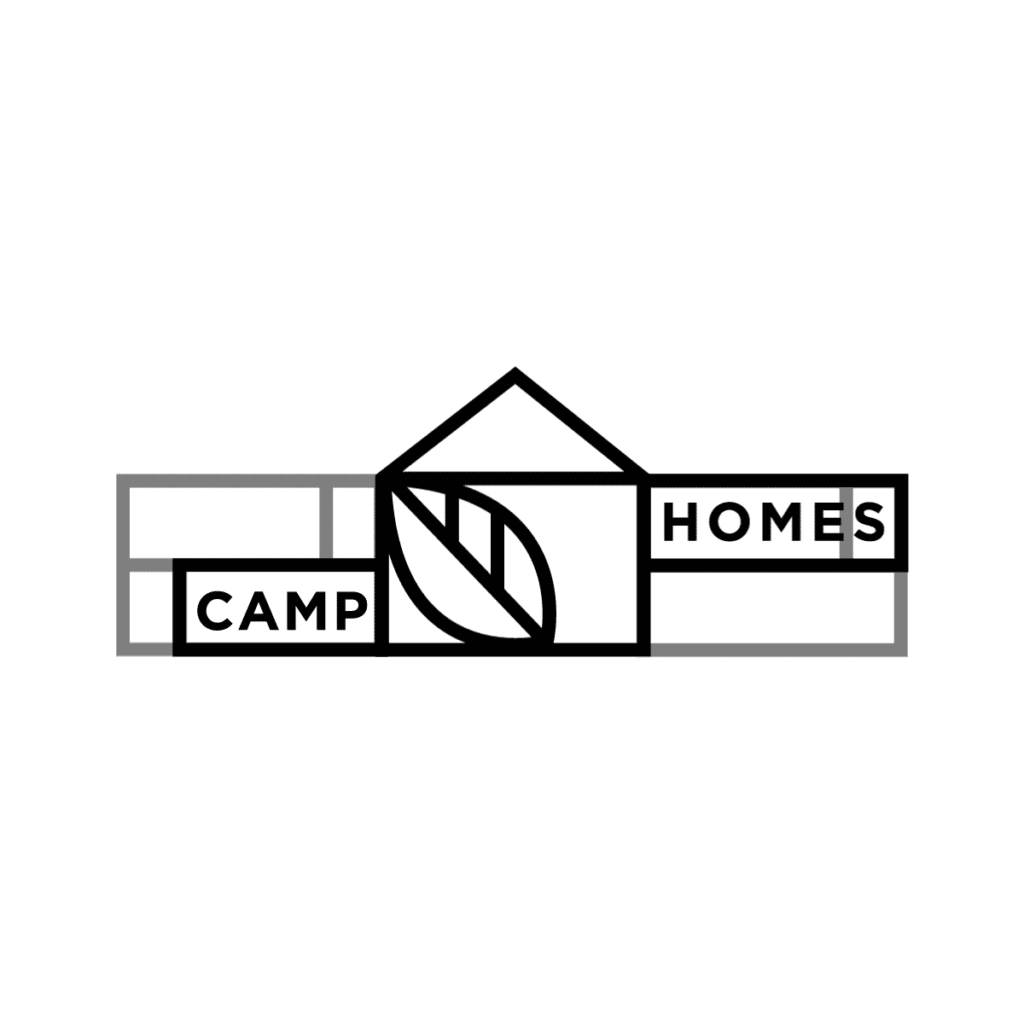
Source: Animated logo design by Lah-dee-dah via 99designs by Vista.
This style has a lot of room for creativity and experimentation. You’re not giving extra explicit information about your brand’s products or services, but you are adding depth to your logo design. It shows audiences that your brand is creative, innovative and thorough with all that you do – just be sure to find the right visuals to match your brand identity and visuals.
One option is to slowly build up the logo through motion, adding to the one design and taking your audience with you through the journey. This is a useful method if your logo is simple or you don’t want to add any elements to your logo. For best practices, keep your animations under two seconds, prioritize smooth easing, avoid overly complex transitions and ensure the final static lock-up appears crisp and recognisable.

Source: Animated logo design by Maryia Dziadziulia via 99designs by Vista.

Source: Animated logo design by Radovan Ciobanenco via 99designs by Vista.
Animated logos for spelling out the wordmark
Lastly, we have an offshoot of the previous category. This final group still uses animated introductions before a static logo, but all of them use the same style of spelling out the brand name. Each letter of the name is animated when it first appears. The appeal is the same as other animated introductions – the best of both worlds – but with wordmark logos, each letter comes to life individually.
Use the style of your chosen font family as a guide to how you’ll animate your brand’s wordmark logo. If you’re using script text, you could add motion to the design as if the letters are being written out in cursive handwriting. If you’ve chosen a sans serif font, it might make sense for your brand to lean into a tech aesthetic, creating the effect of each letter being typed out on a keyboard. Other popular techniques include stroke-by-stroke handwriting effects, rotating letters, shape reveals and staggered transitions.

Source: Animated logo design by Sava Stoic via 99designs by Vista.
Source: Flashing logo design by Horseshoe Design via 99designs by Vista.
To spell out a wordmark logo with animation, the brand requires either a lettermark or wordmark logo; otherwise, you don’t have any letters. Add a sequence to your animation by splitting the logo into sections and then revealing each bit one at a time. This could be letter by letter or word by word. Play around with order and effects to get the best aesthetic for your brand or create a logo using AI.
Types of logo animations (motion styles explained)
There are several common styles used in modern logo animations. Each creates a different emotional tone or pacing, helping you match your animated logo to your brand personality.
Morphing
These are smooth, shape-shifting transitions that connect one form to another. Morphing logo animations are ideal for innovative, fluid or evolving brands.

Source: Animated logo design by Sava Stoic via 99designs by Vista.
Kinetic typography
Kinetic typography is a type of animation where the text moves, stretches or appears with rhythm and energy. This works well for bold, expressive or modern brands that want high visual impact.

Source: Animated logo design by Daria V. via 99designs by Vista.
Where to use animated logos across your brand
Animated logos can be used across many channels, not just on your website. They’re great for website headers, social posts, TikTok/Reels, YouTube intros, presentations, pitch decks, email signatures, digital ads and more.
Animated logos for social media
Use short intro clips, looping GIFs or quick logo reveals to help your posts stand out and improve engagement rates.

Source: Animated logo design by Maryia Dziadziulia via 99designs by Vista.
Animated logos for websites
Use subtle hero-section loops, loading animations or micro-interactions to make your homepage feel more polished and dynamic.

Source: Animated logo design by Yevhen Genome via 99designs by Vista.
Animated logos for video and presentations
Animated intros and outros give your videos, pitch decks and presentations a more professional finish.

Source: Animated logo design by Radovan Ciobanenco via 99designs by Vista.
Step-by-step guide: How to create an animated logo
Step 1: Start with a strong static logo
Before you start animating, make sure the core logo is clean and balanced. You can create one using tools like VistaPrint’s AI Logomaker, or Adobe Photoshop or Illustrator if you have more advanced design skills.

Source: Animated logo design by Sava Stoic via 99designs by Vista.
Step 2: Choose an animation style
Decide whether your brand suits looping motion, morphing transitions, kinetic typography or a simple reveal.

Source: Animated logo design by Maryia Dziadziulia via 99designs by Vista.
Step 3: Build your frames (keyframing basics)
Keyframes define the motion path, so start with simple movements like scale, rotation and opacity before adding more complex effects.

Source: Animated logo design by Sava Stoic via 99designs by Vista.
Step 4: Add easing and motion principles
Use easing (speeding up or slowing down movement) and principles like anticipation or follow-through to make your animation feel more natural.

Source: Animated logo design by Radovan Ciobanenco via 99designs by Vista.
Step 5: Exporting your animated logo
Make sure you choose the right format. GIF is best for lightweight loops, MP4 for video and SVG or Lottie for crisp web animations.
Source: Animated logo design by ultrastjarna via 99designs by Vista.
Best file formats for animated logos
Animated logo design doesn’t end with the design itself. You’ll need to understand which file formats and sizes you need, which will depend on where you want to use them
MP4/MOV
This is best for social media, YouTube intros and paid ads. These formats offer high-quality playback with smooth motion, making them ideal for more detailed or complex animations. They’re also widely supported across video editors and social platforms, so your animated logo will look consistent wherever it’s used.
Source: Animated logo design by Yevhen Genome via 99designs by Vista.
GIF
GIFs are simple loops, ideal for email signatures, blogs or chat platforms. GIFs don’t support sound and have limited color depth, but they load quickly and autoplay without user interaction. They’re a great option for short, subtle motion when you need a lightweight animated logo that works almost anywhere.

Source: Animated logo design by ultrastjarna via 99designs by Vista.
SVG and Lottie
Lightweight vector formats are perfect for websites and mobile apps. Because they scale without losing quality, they’re ideal for responsive layouts and high-resolution screens. Lottie files also allow more complex, high-frame-rate animations at tiny file sizes, helping pages load faster while maintaining a more premium look.

Source: Animated logo design by Yevhen Genome via 99designs by Vista.
How to design an animated logo
Animated logos bring your brand to life in ways static logos can’t. They boost recognition, strengthen your storytelling and help your brand stand out across every digital touchpoint. If you want an animated logo, just like with any logo, there are two approaches: do it yourself or hire a professional.
The DIY route is easier than you may think, as long as you use the right logo animation software. For example, the free-to-use Logomaker by VistaPrint has built-in animations that you simply drag into the canvas. However, if you want a timeless and polished animated logo, consider getting professional designers to help with your logo design.
Animated logo FAQs
What is an animated logo, and how is it different from a static logo?
An animated logo includes movement like fades, loops, reveals or character motions, while a static logo stays still. The motion helps highlight key shapes, adds personality and guides the viewer’s eye, making the brand feel more dynamic. Animated logos can also adapt to different formats, from quick GIF loops to high-quality video intros.
Why should a brand invest in an animated logo?
Animated logos increase memorability, engagement and perceived brand quality. Viewers process movement faster than still graphics, which helps your brand stand out in crowded feeds and digital spaces. They also create a stronger emotional impact, helping small businesses express their tone and personality quickly.
What types of animations are used for animated logos?
Morphing, kinetic type, 2D effects, 3D motion and more. Some styles focus on storytelling, like character movement, while others emphasise clarity and polish, like clean line reveals or subtle fades. Choosing the right style depends on your brand’s personality, industry and audience.
Where can I use an animated logo?
Animated logos can be used on websites, presentations, videos, social posts, email signatures and ads. They work especially well anywhere you need a quick impact, such as in loading screens, YouTube intros or Instagram Reels. Just be sure to export the right format so your animation plays smoothly on each platform.
How much does it cost to create an animated logo?
DIY tools are free or low-cost, while pro design services vary depending on complexity. Simple animations may only require a basic GIF maker or an app like SVGator, whereas custom motion design from a studio can range much higher. VistaPrint’s free Logomaker gives you an easy way to design a static logo before adding animation.
What file format do I need for an animated logo?
Use MP4/MOV for video, GIF for lightweight loops and SVG/Lottie for web animations. The right format depends on where you’re publishing. Video files offer higher quality for intros, while SVG/Lottie keep websites fast and responsive. Always preview your animation across various devices before finalizing it.


