


Find your perfect match
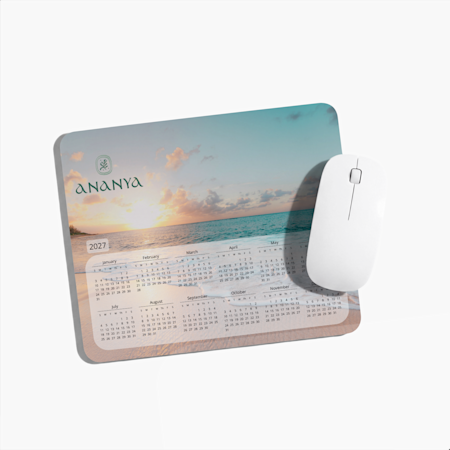
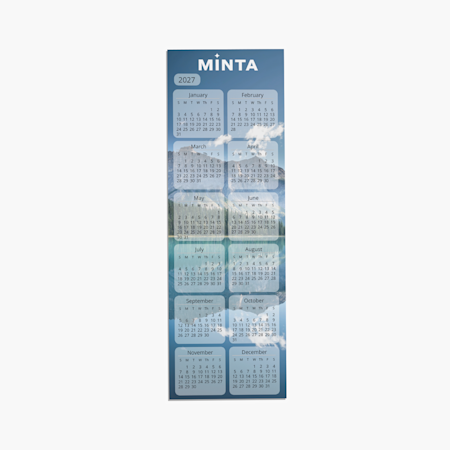
Promotional calendars
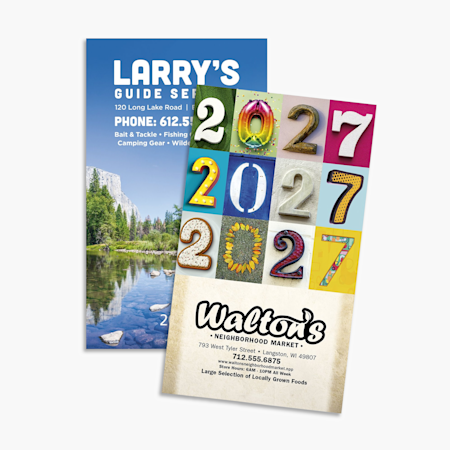
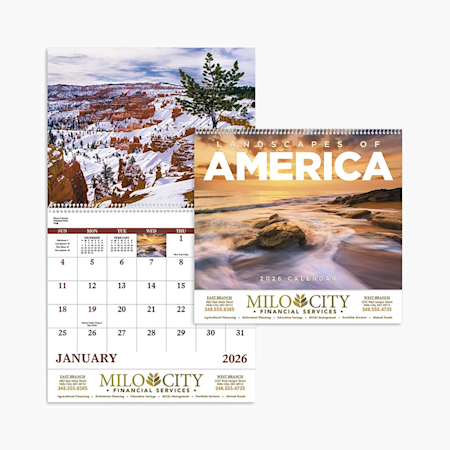
Custom calendars for all your needs
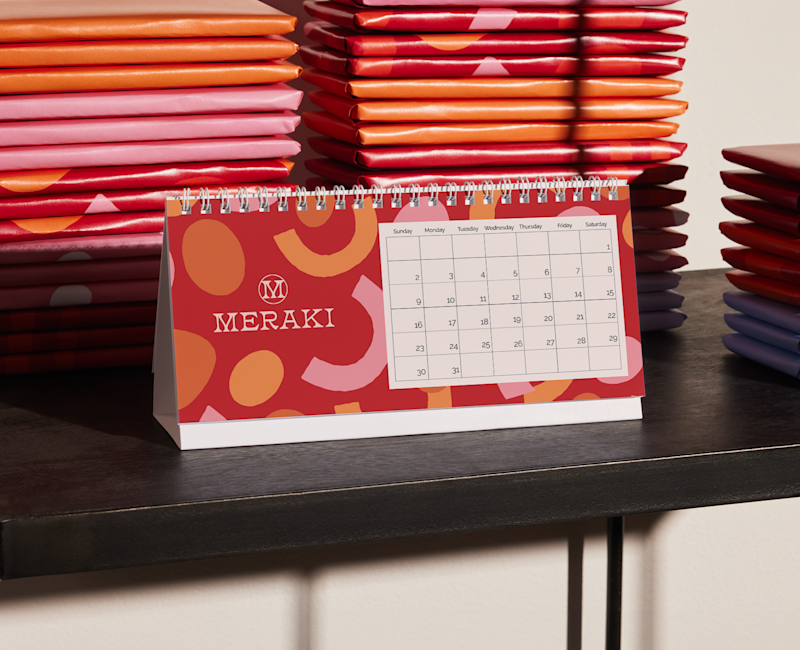
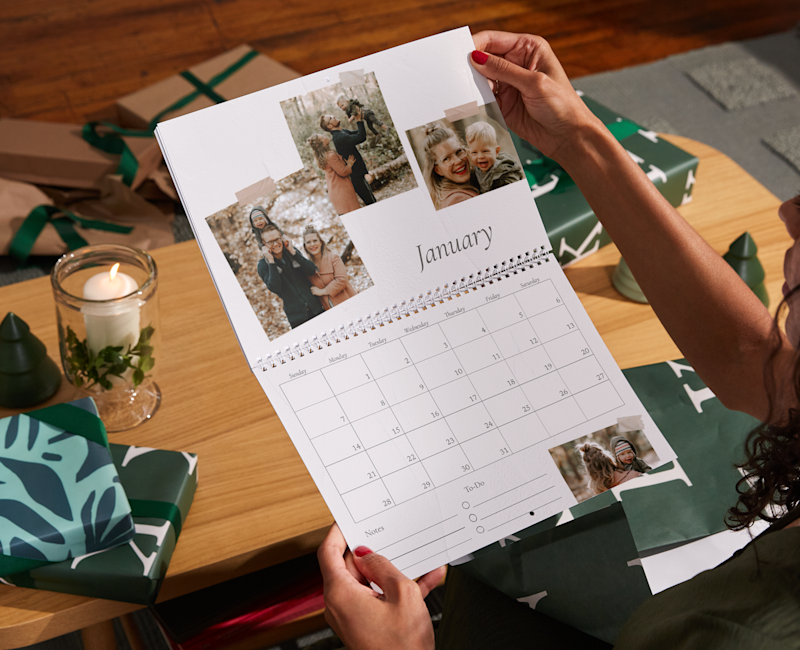
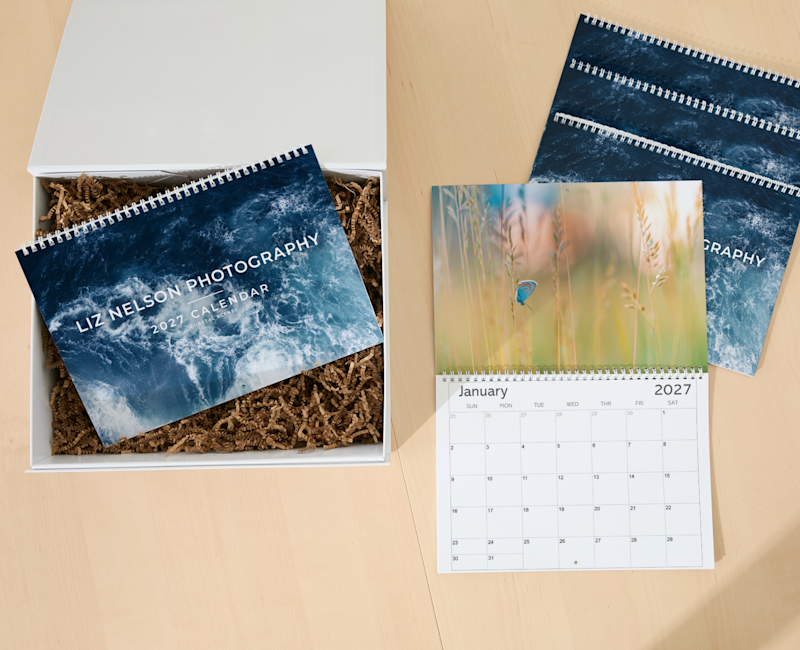
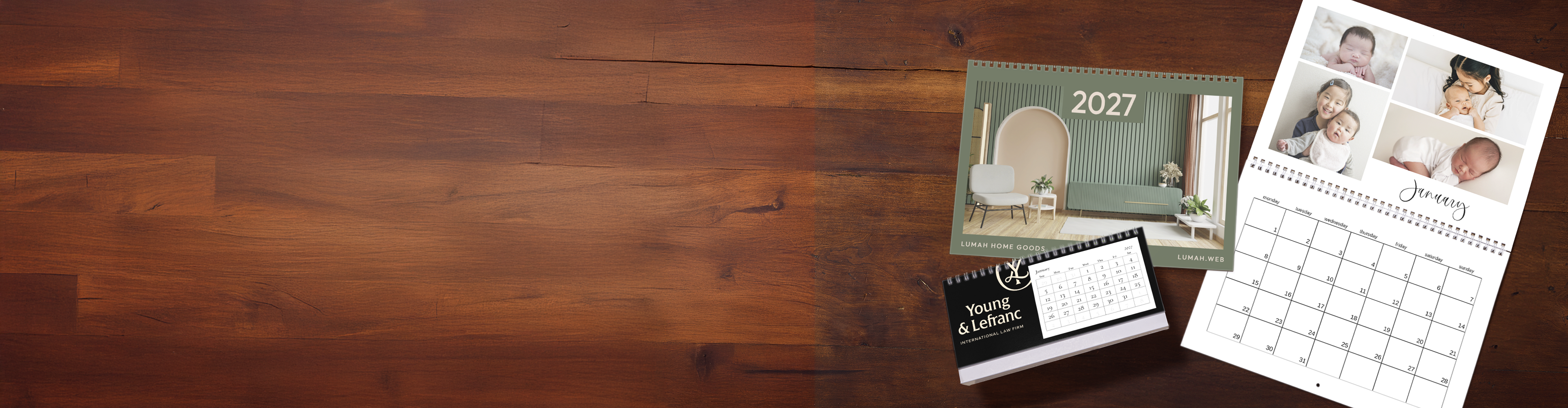
Start by choosing a calendar style that best fits your space. Then, browse our themed templates and upload your favorite photos. You can show off a single picture every month or create a collage using our layout options. Once you’ve finished creating, we’ll take care of the printing and have it shipped straight to your door.
Get creative! Use photos from your last family vacation, pics of your kids and furry friends or your best landscape snaps.
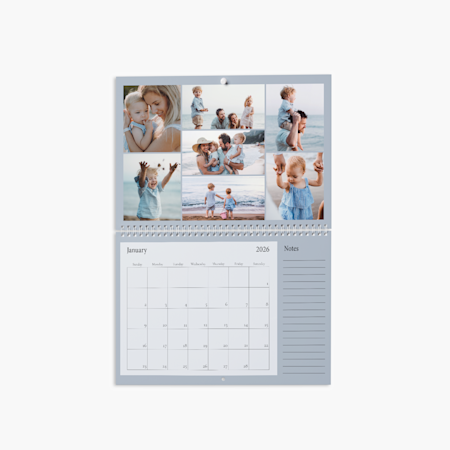
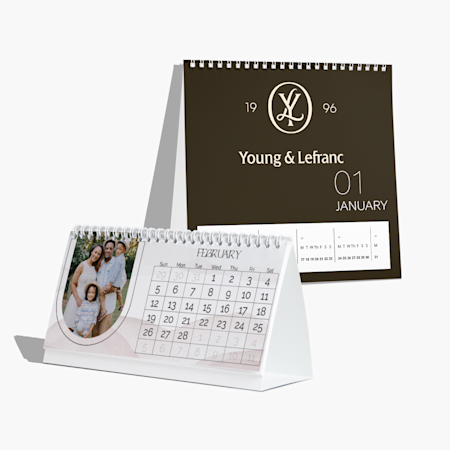
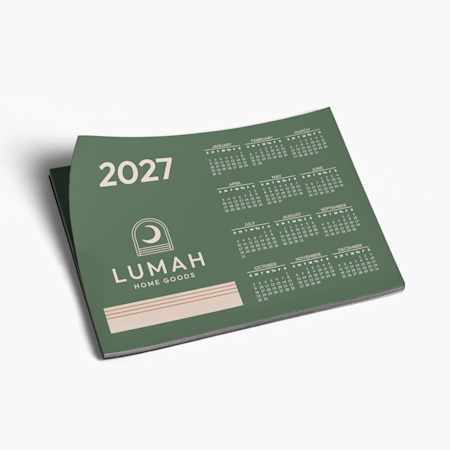
We recommend choosing the calendar that best fits your office, desk or home. Our larger wall calendar (choose size 22.5" x 14.5") is great for families to keep track of various schedules and events, while a desk calendar is a must for folks who are working remotely. Magnetic calendars are perfect for the fridge. Small and mid-sized wall calendars (11.5" x 8" and 17" x 11") – customized with 12 of your favorite images along with special icons for birthdays and more – make thoughtful presents for everyone.
We offer digital proofs for poster calendars and magnetic calendars. To generate a proof, simply click the PDF proof button as you design your calendar in our online studio.
Why, yes we did! Our online studio is designed to make creating your custom calendar simple yet fun, and we’ve updated the experience with new features. We’ve also updated some of our sizing and layouts to offer more options to meet your needs. You can anticipate occasional changes in certain items as we continue exploring opportunities to enhance our products.
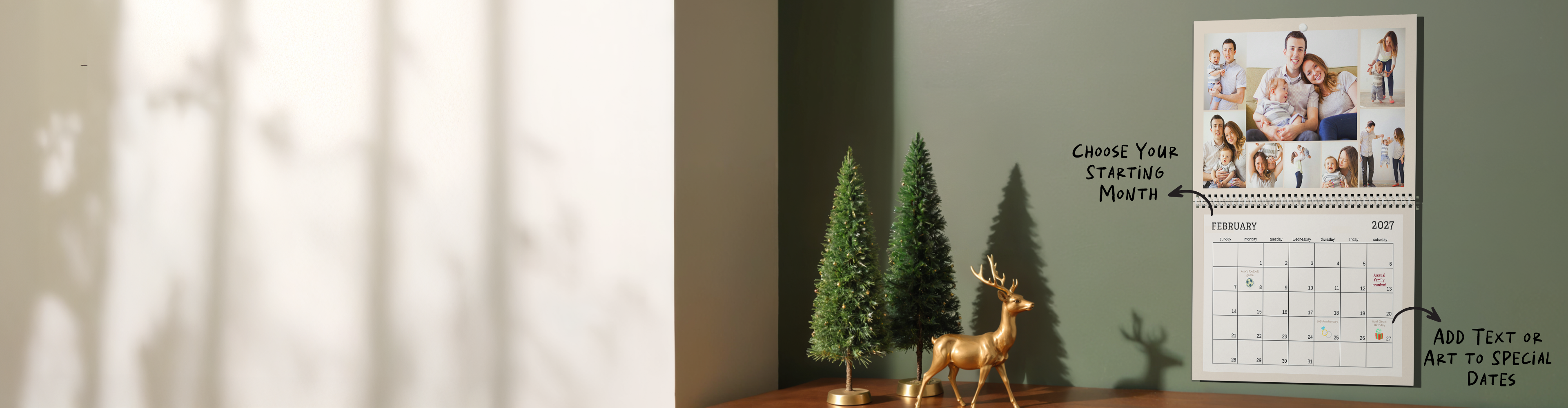
That depends on which calendar style you choose. For wall calendars and desk calendars, you can easily pick a starting month by clicking on the "Edit calendar dates" section as you're designing. However, poster calendars and magnetic calendars start with January.
Not to toot our own horn, but VistaPrint! With our variety of calendar templates, intuitive studio experience and cool customization features, we feel confident you can design a calendar you love using our site.
We offer custom dates on our wall calendars and rectangular desk calendars. To mark dates, simply click on the calendar icon when you’re in the design studio. From there, you can pick any date and personalize it with custom text. To add a sticker or photo, select the sticker or photo icons on the lefthand vertical menu. You’ll be able to resize any stickers or photos you select and drag them to a date of your choice.
That depends on the calendar style and paper you select. As a general rule of thumb, our standard matte paper is easier to write on with a pen or pencil, however certain calendars printed in glossy paper stock can be written on with permanent markers or pen. Please see each individual calendar listing for more detailed information.
That depends on what you’re using your calendar for, what photos you’d like to display and – if you’re giving it as a gift – who the recipient is. Check out the chart below to see our most 3 popular styles and suggestions for each:
| Style | Best For: | Photo Suggestions | Features |
|---|---|---|---|
| Wall Calendars | Tracking family schedules, gifting to loved ones, kitchen command centers | Family portraits, pet pics, collages, mixed-orientation photos | Larger grids and custom dates are ideal for writing notes and overseeing schedules |
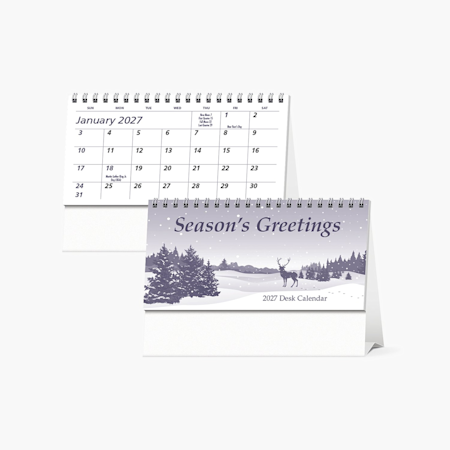
| Desk Calendars | Home offices and remote work, corporate giveaways, long-distance gifting | Travel photos, feature images, square photos (best for square desk calendars) | Compact size fits easily on surfaces without cluttering workspaces |
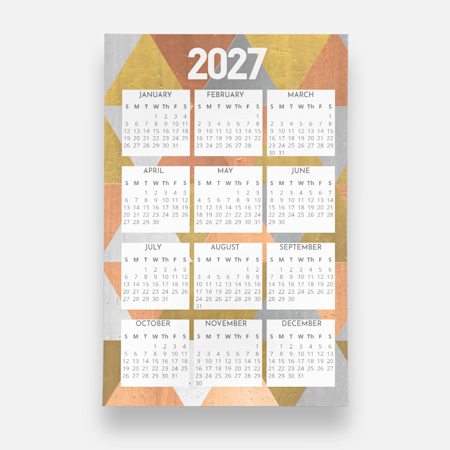
| Poster Calendars | Students, classrooms, small businesses, minimalists | Panoramic images, feature images | Poster format lets you see the whole year all at once |