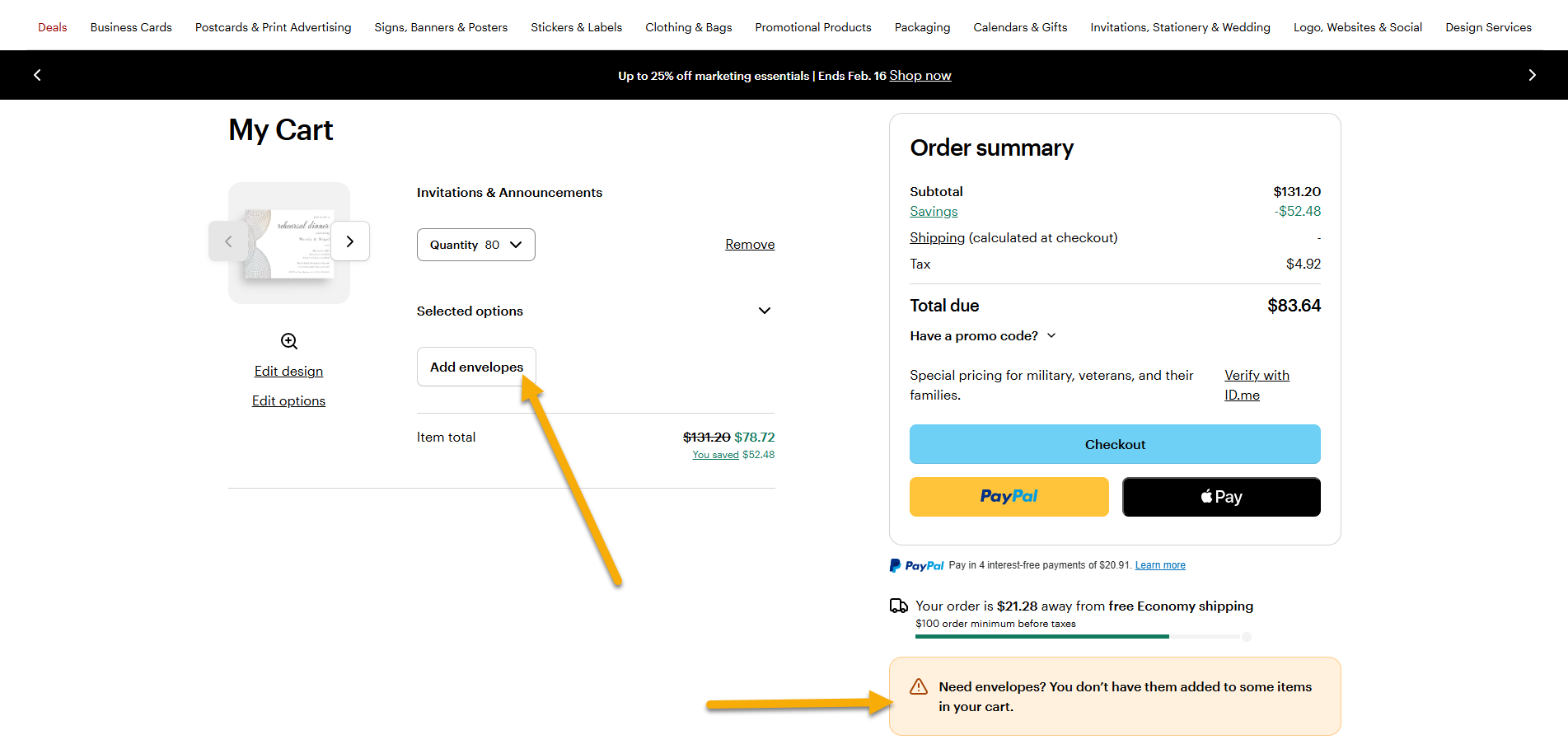
After creating your card, you’ll have the option to choose personalized envelopes that match your design. You can also create a matching set and include your return address on the envelopes.
How to add matching envelopes
1
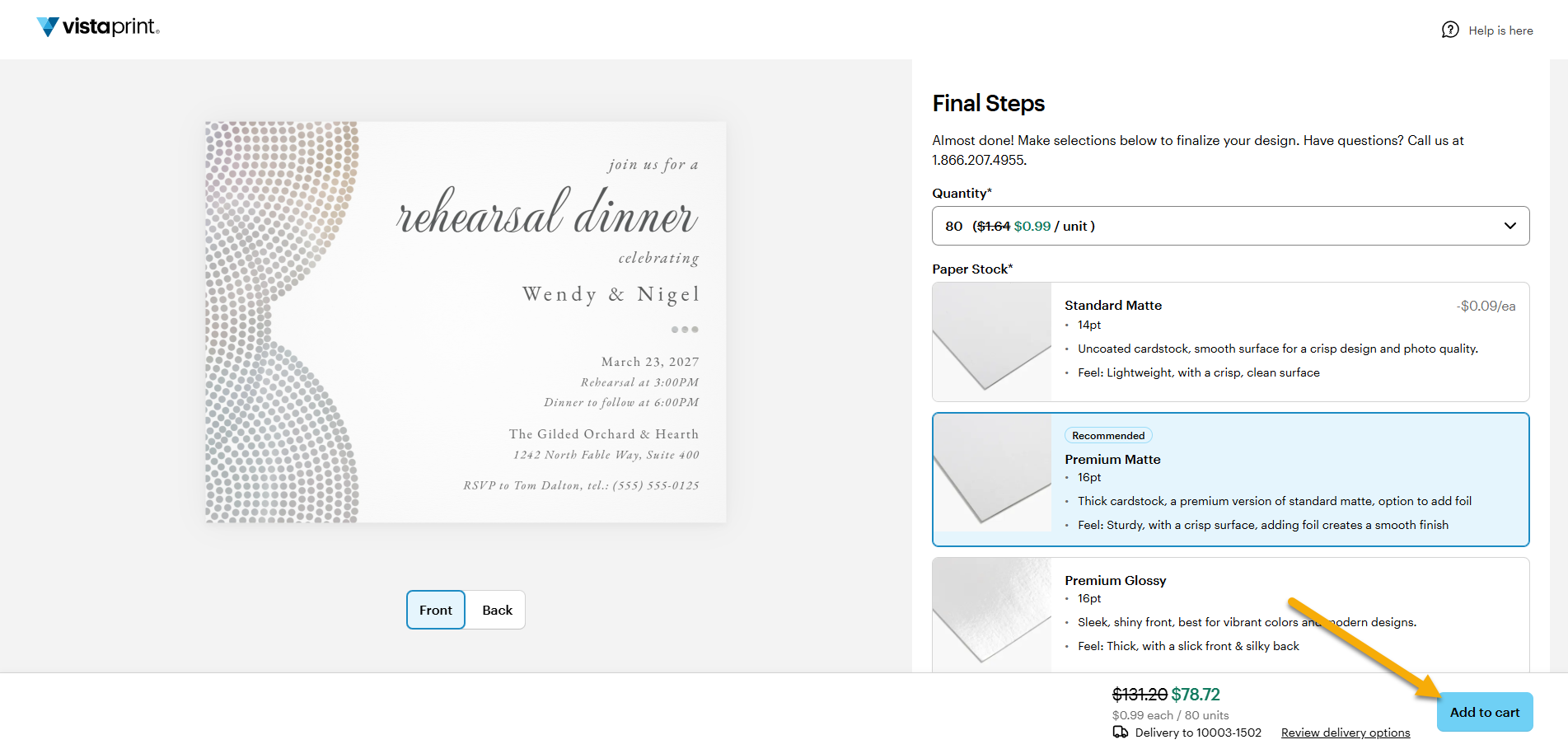
Add your card to the cart
After reviewing and approving your card design, select Add to cart.
2
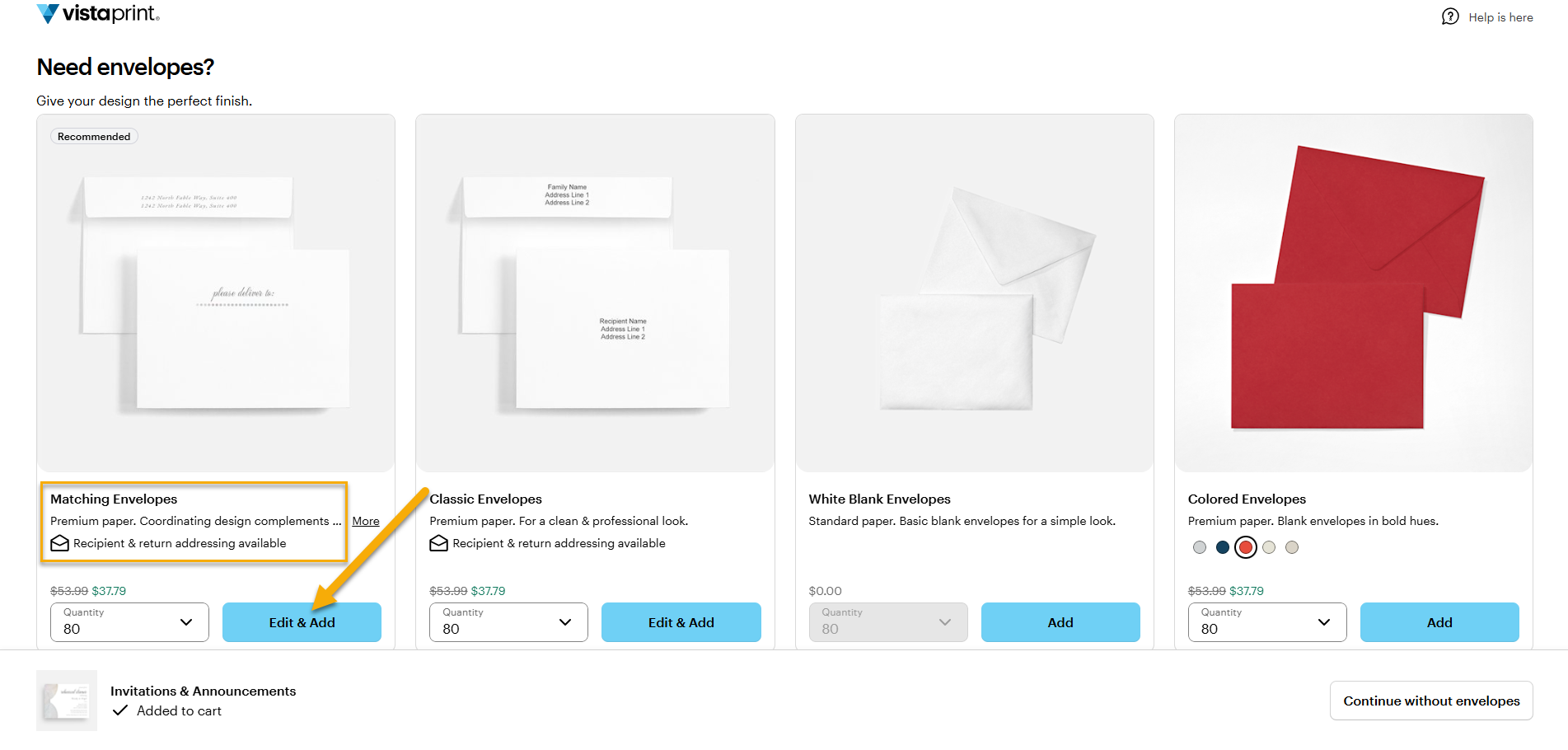
Select Matching Envelopes
When envelope options appear, select Matching Envelopes to the left.
3
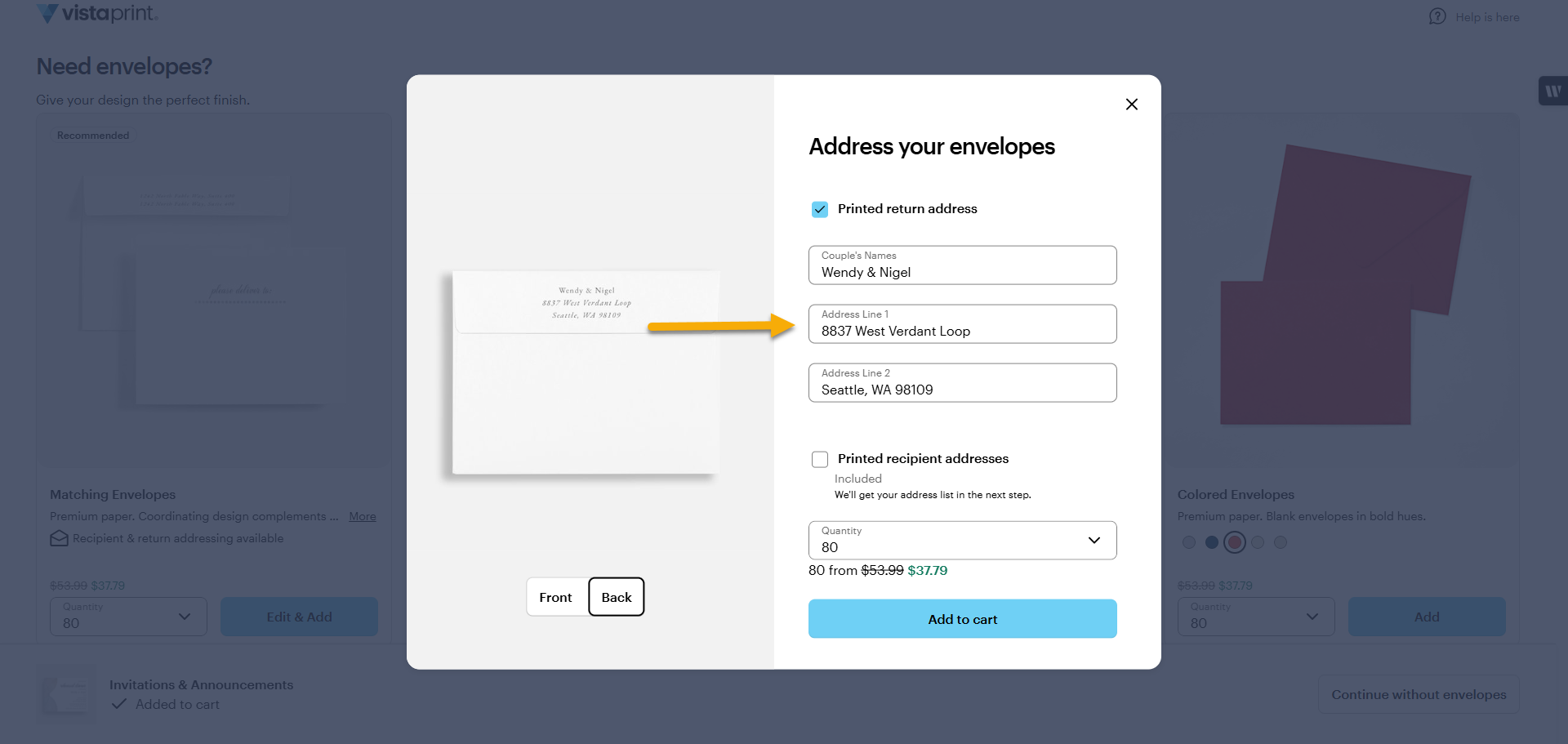
Edit if needed
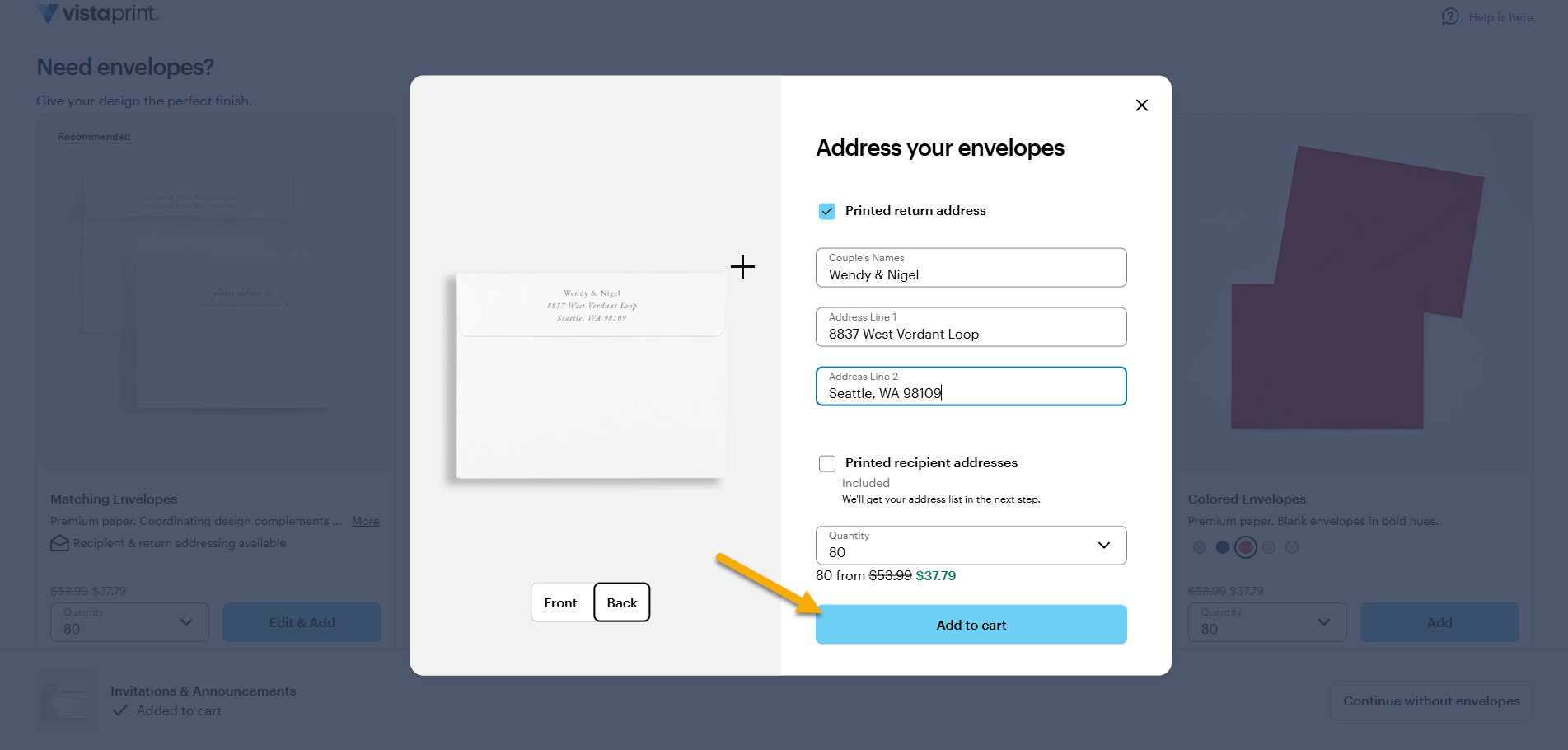
Customize the envelope details using the editing options on the right.
4
Select Add to cart
When you’re finished, select Add to cart to include the envelopes with your order.
If you skip envelopes when adding your card to the cart, you can still add them later. Go to your cart and select Add envelopes under Selected options for your product.