How to update your information
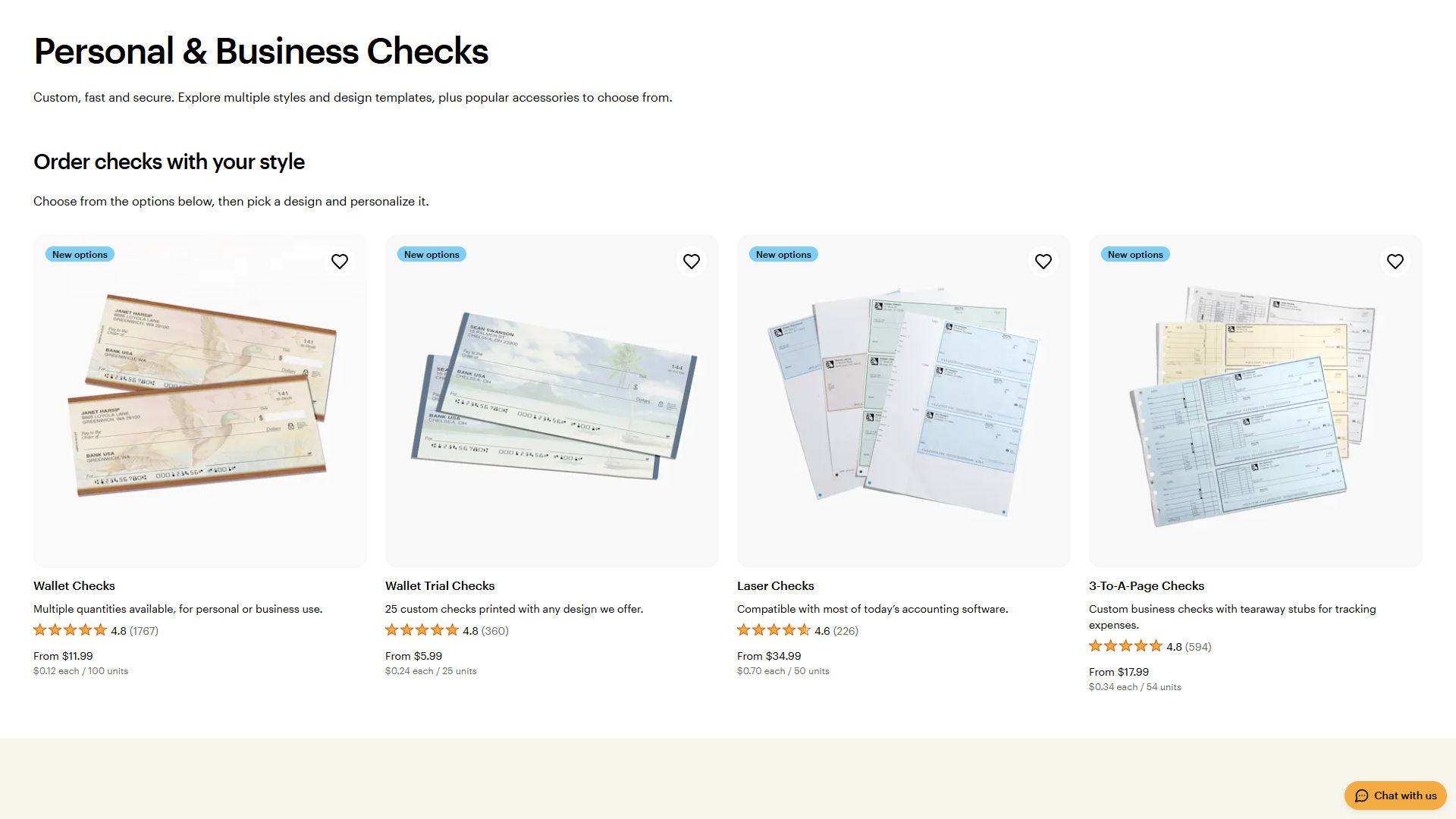
Select your check design
Browse our gallery and choose the check style you wish to purchase.
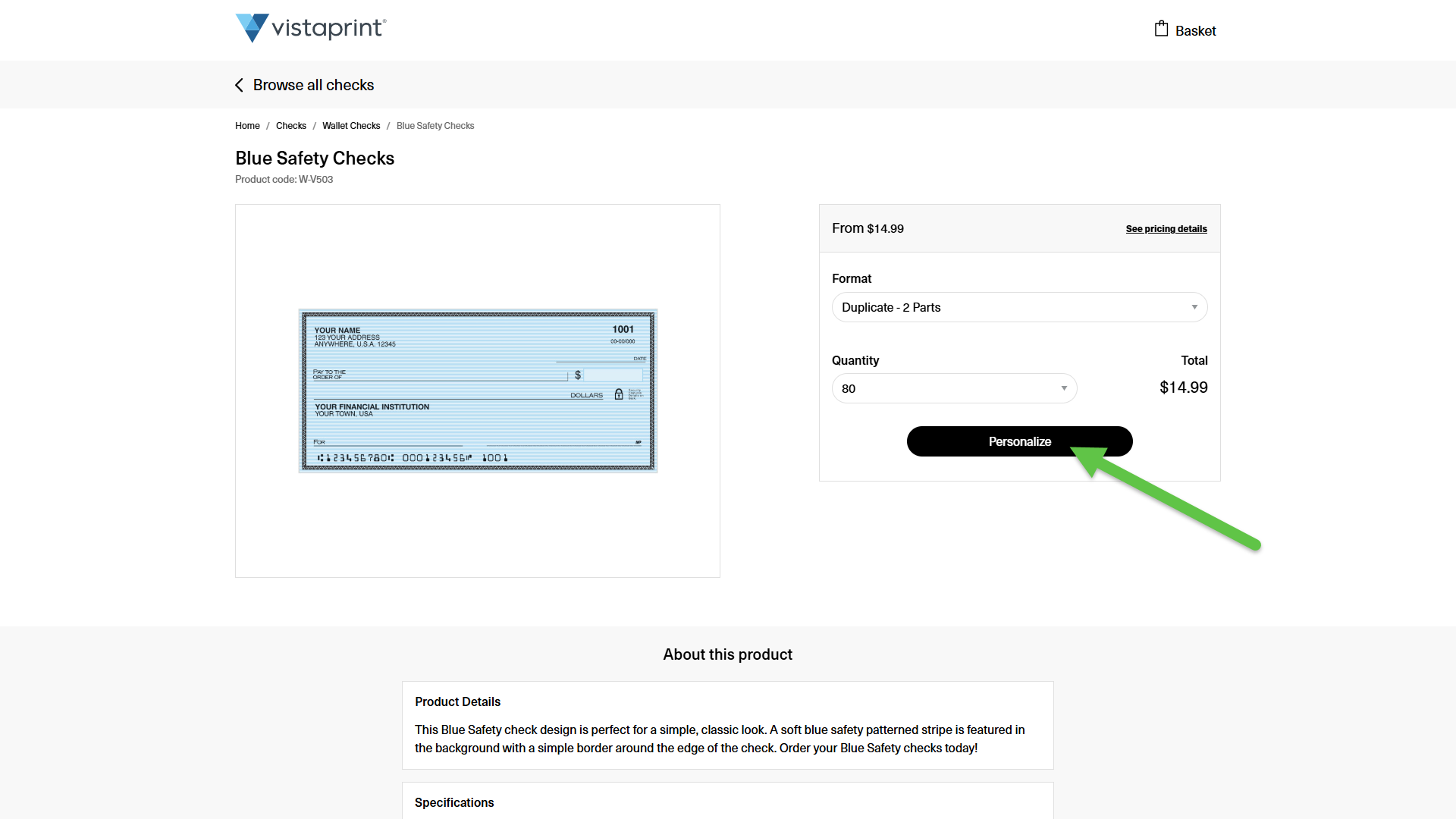
Choose your format and quantity
Select your preferred check format and the quantity you need, then select Personalize.
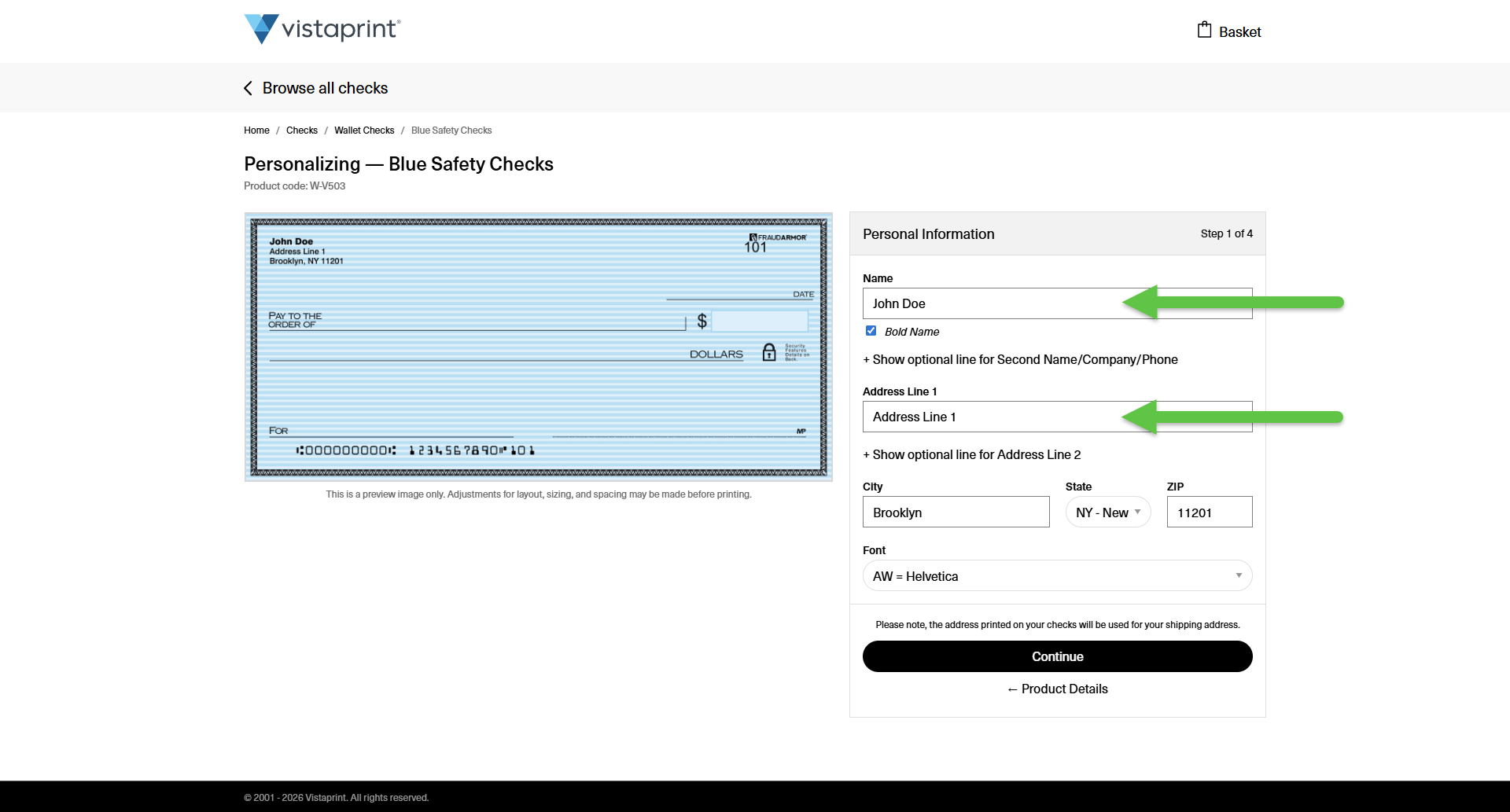
Enter your new information
In the personalization fields, type in your new name or address to replace the old information and select Continue.
Finish the remaining steps
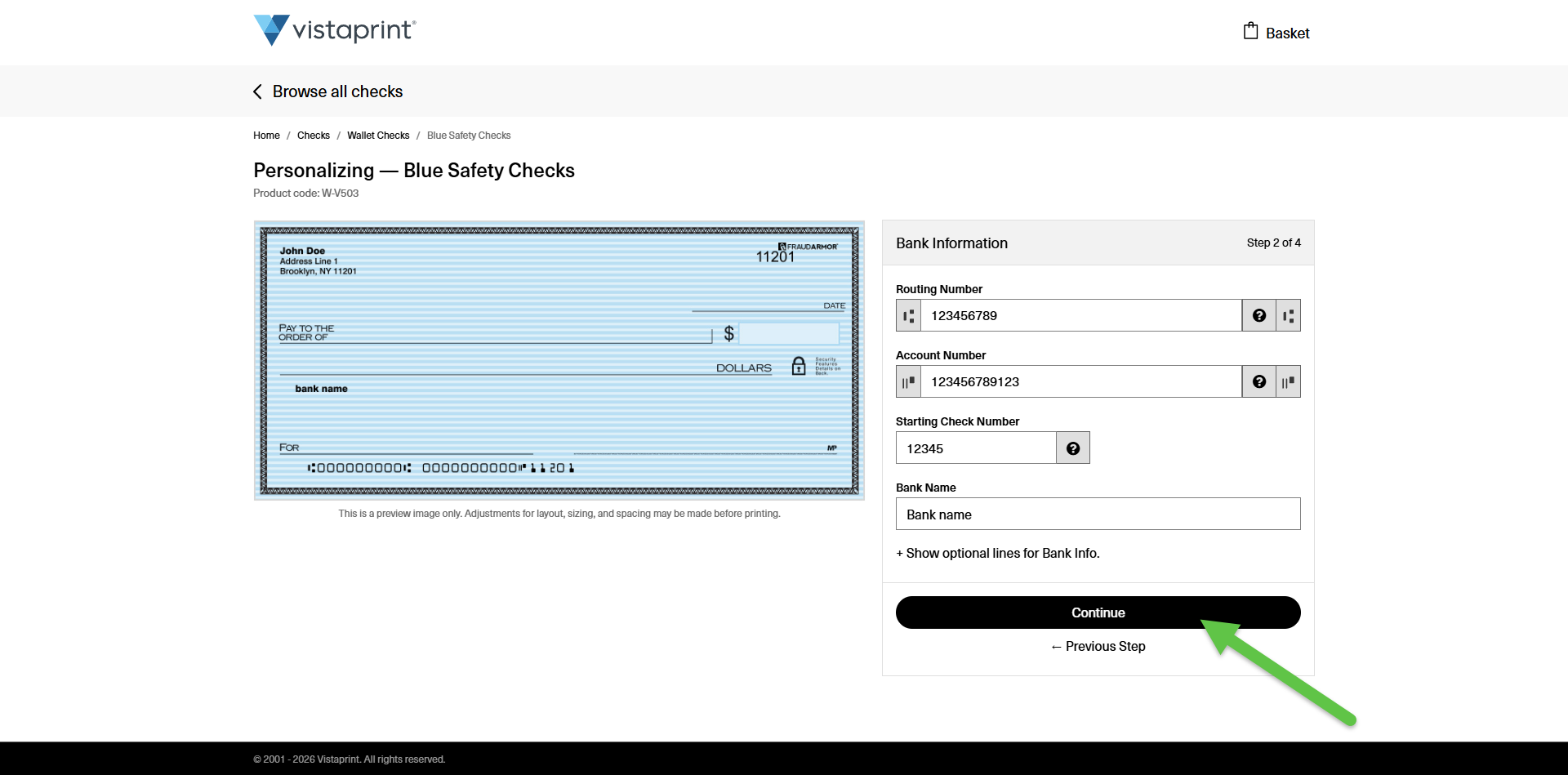
Continue through the remaining steps while reviewing your information to ensure it's correct.
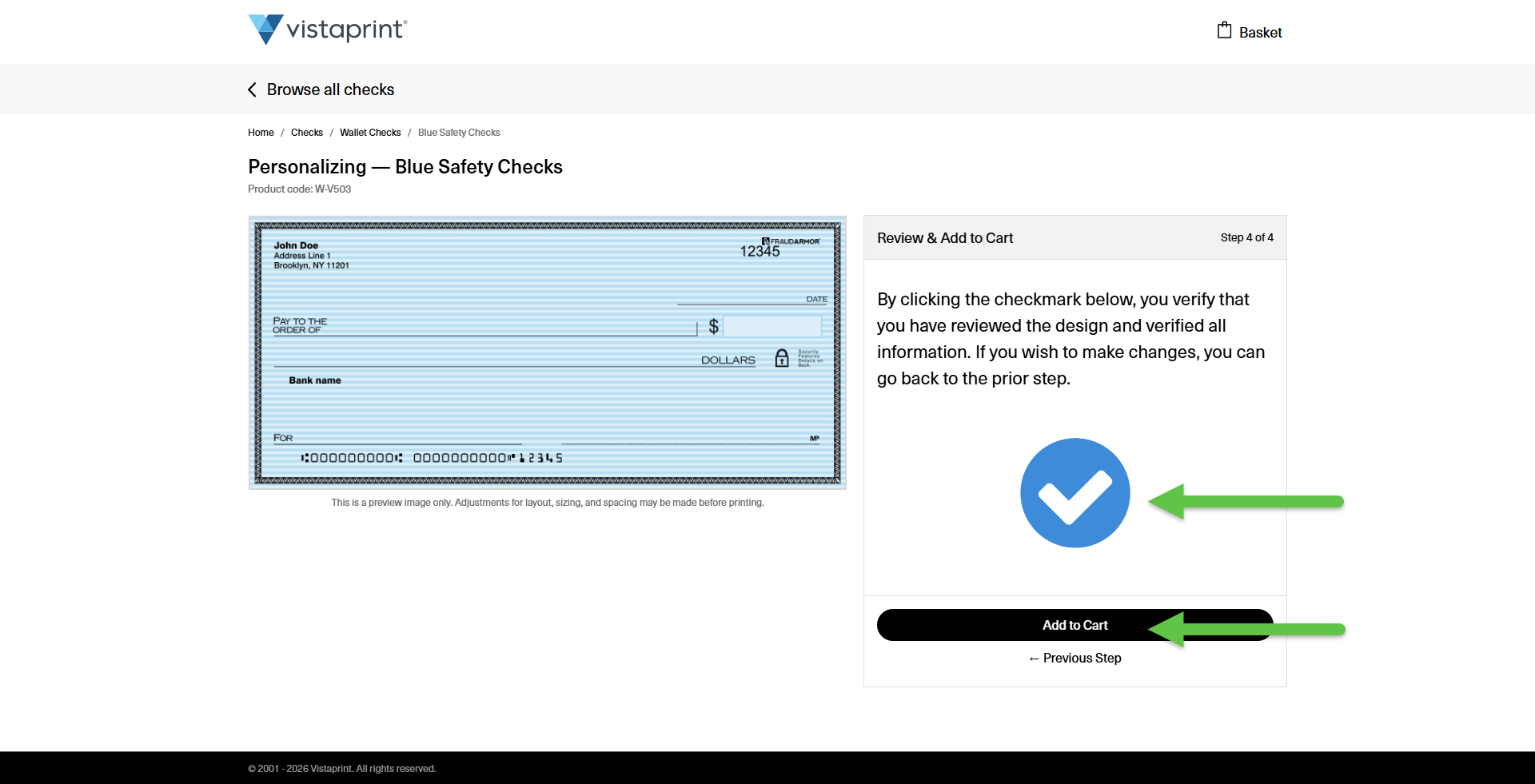
Review and add to cart
Double-check that your new name and address are spelled correctly in the preview. Check the approval box to confirm your design is accurate, then select Add to Cart.
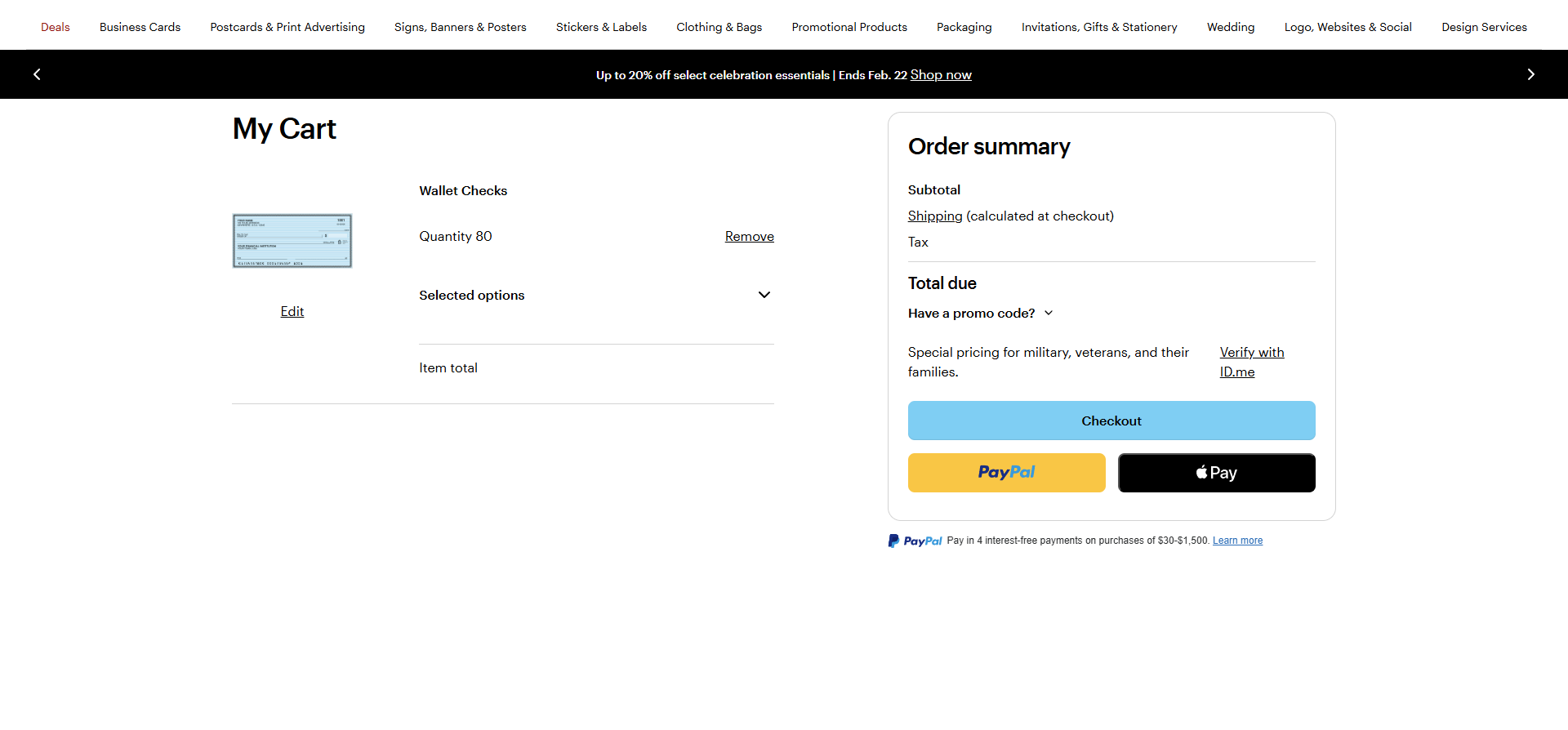
Order the new updated product
Proceed to checkout to finalize your purchase with your updated details.