

 Zoomed to minimumUse plus and minus key to zoom and arrow keys to pan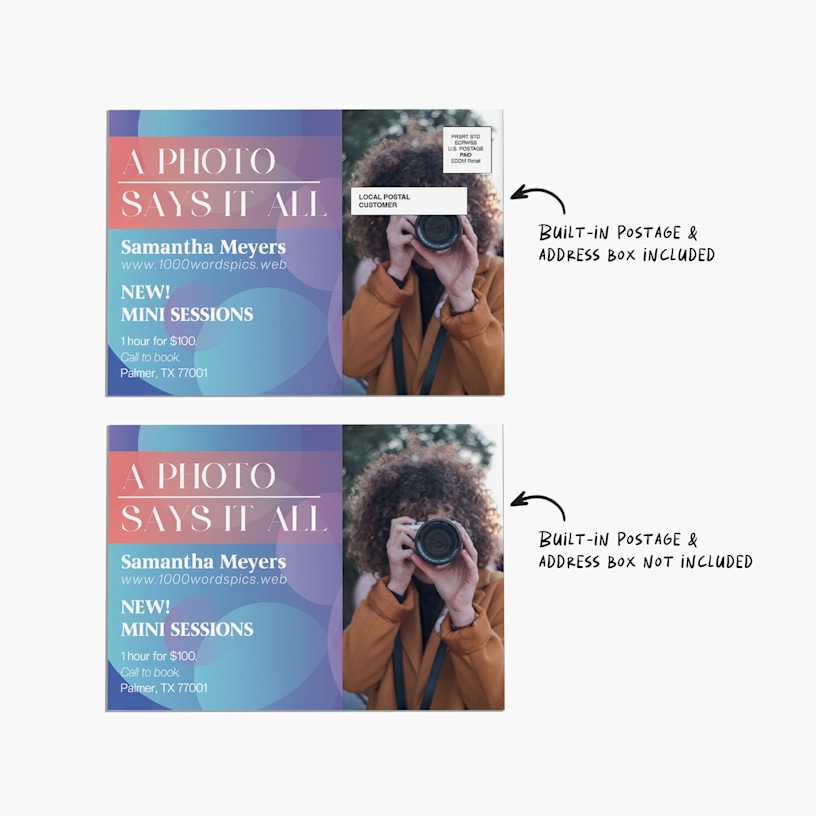

EDDM® Postcards

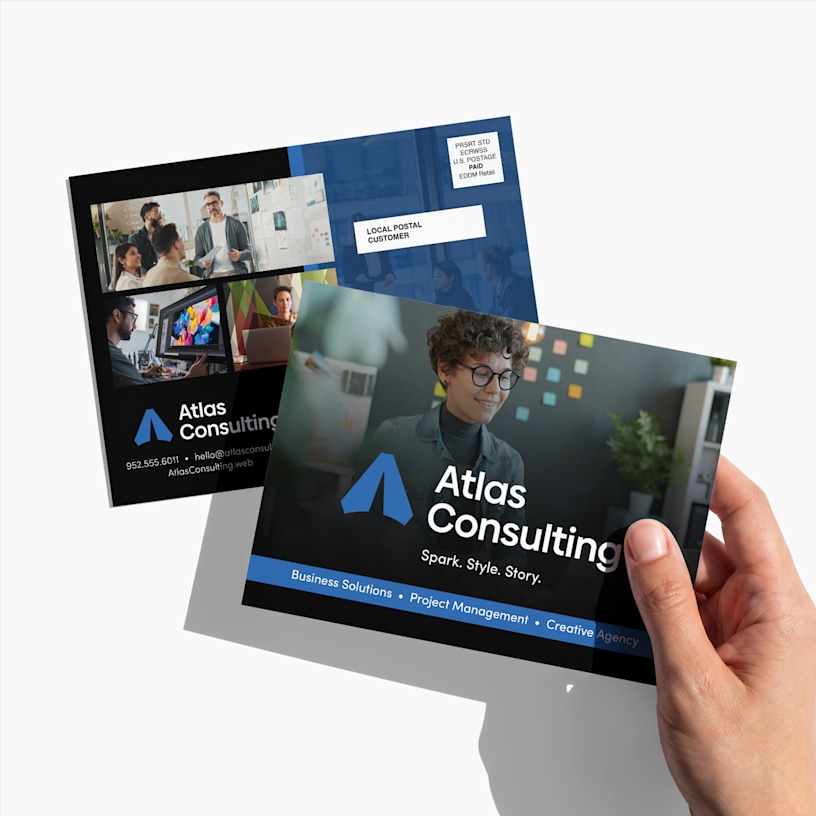
Reach an entire ZIP code with stylish and budget-friendly EDDM® postcards.
- NEW: Option to remove built-in postage & address box
- USPS-compliant design templates
- No mailing list required
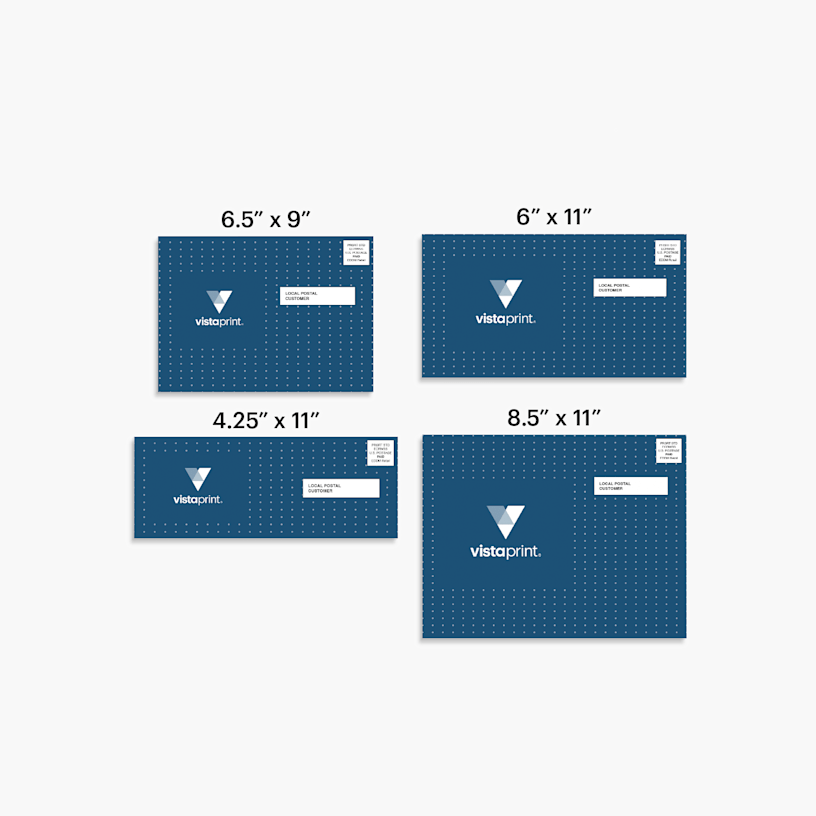
- 4 size options
- 2 paper stock options
- 2 paper thickness options
- Single- & double-sided printing options
Low-cost, high-value
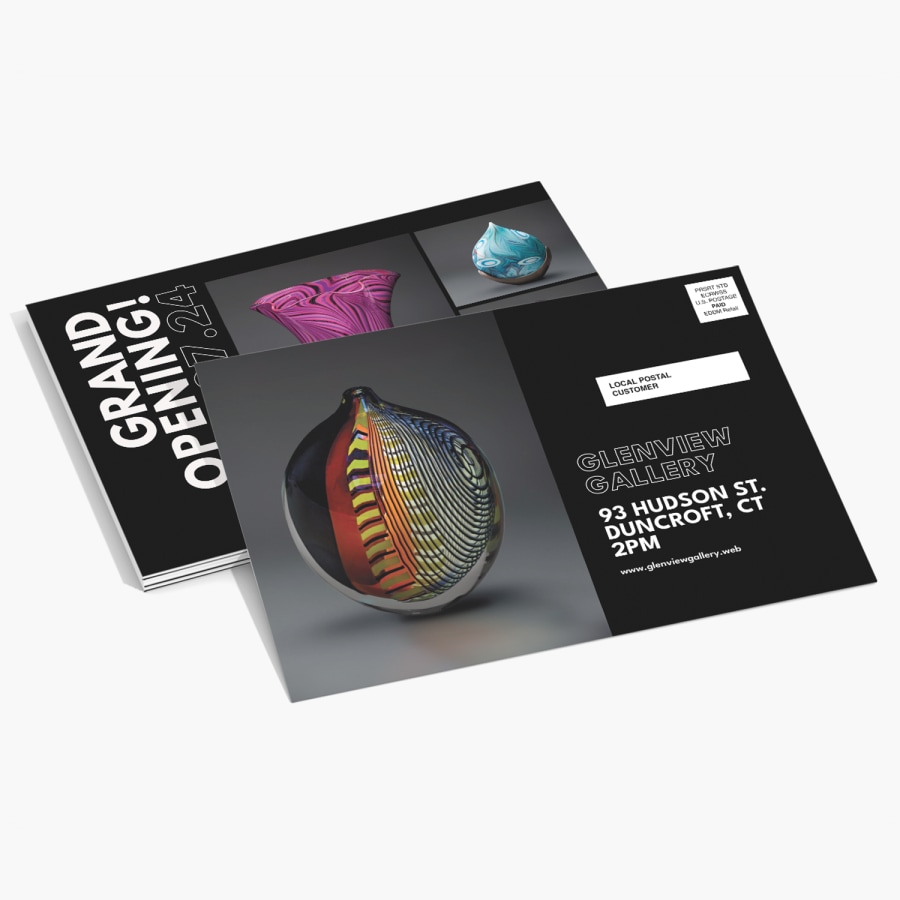
Reaching customers can be a lot of work. With our EDDM® cards, you can send a standout, professional message to every home in an area – no address list needed. We’ve made the EDDM process even easier by providing postcards that meet USPS physical requirements for EDDM®, including standard size, weight, shape and bundling requirements. You can also add a USPS-approved postage and address box directly to your design. Please note: USPS postage is not included in the price and is paid separately at the post office. Current postage rates are subject to change.
Here’s how it works:
1. Design your USPS-compliant postcard
Start by picking a postcard size and paper, then explore our library of postcard templates – or upload your own unique design. Each one of our templates complies with EDDM® regulations from the USPS. If you’re uploading your own design, you can opt to have us add a pre-provided USPS-approved postage and address box for you. We’ll also provide guidance throughout the design process to help ensure your artwork meets USPS requirements. Customize your design with your message, photos and branding, or use our design services for help creating a professional look.
2. Receive them at your home
We’ll ship your postcards to your home address with your choice of standard, express or priority shipping. They'll arrive bundled in packs of 100 – as required by the USPS – for a low-hassle trip to your local post office. Postage is not included in your VistaPrint order and is paid directly at USPS when you drop off.
3. Choose your postal routes and drop off at a USPS office
Before heading to the post office, choose the postal routes you'd like to target by clicking on the EDDM® tool under the “Business” tab on the USPS website. You don’t need a mailing list to do this, though you can filter by age group and average income to reach a specific audience. You'll also need to complete a USPS facing slip or top sheet for each bundle, which lists the postal route information. Once at the post office, hand over your bundles and pay for postage at the counter. Then USPS takes it from there. And you? You can sit back, relax, and get back to running your business.
Custom EDDM® Postcards: Sizes, uses & design tips
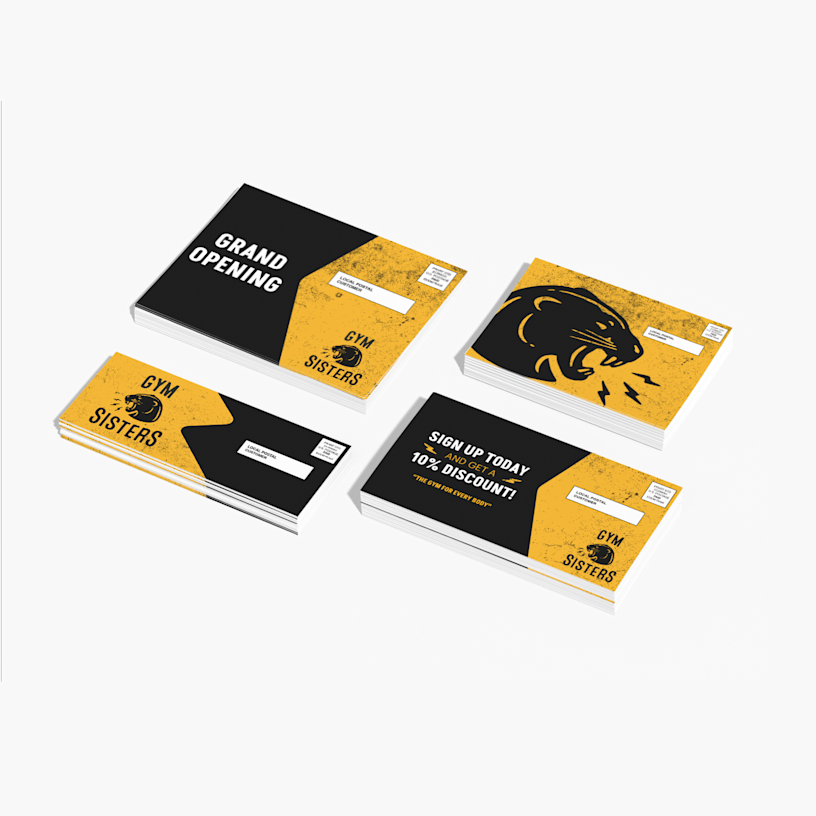
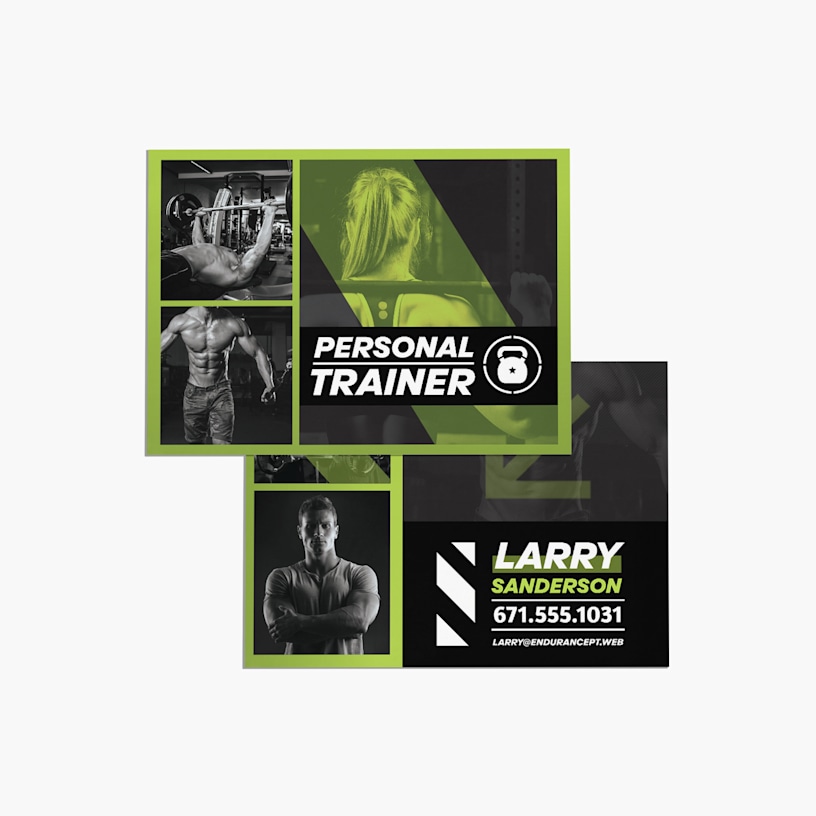
EDDM® postcards are a great fit for offers, openings, events and campaigns designed to build awareness in a specific area. We offer 4 sizes, landscape or portrait orientations and glossy or matte paper stocks, giving you plenty of flexibility to create a format that suits your message and campaign. You can also add a dynamic QR code to track campaign performance. If you upload your own artwork, we'll guide you through the design requirements to help ensure your finished piece meets USPS requirements for EDDM®.
Better by Design
What makes it better
Reviewed by 250 customers
 United States | United States | United States | United States | United States |
Once your postcards arrive, here's how to complete your mailing:
Create a free USPS account: Set up an account at USPS.com to use the EDDM® mapping tool, prepare your mailing documentation and pay postage online. You don't need to purchase an annual bulk mailing permit for standard EDDM® campaigns.
Select your routes and audience: Use the USPS EDDM® mapping tool to select the ZIP codes or carrier routes you want to target.
Choose your drop-off and payment options: Confirm your drop-off location and how you'd like to pay for postage through USPS.
Print your USPS forms: Download and print the required delivery topsheets or facing slips from USPS.com.
Prepare your bundles: Attach a facing slip to each pre-bundled stack of 100 postcards.
Drop off at USPS: Bring your prepared bundles to the appropriate post office and pay your postage fees. These are not included in your VistaPrint order.
If you choose to include our built-in postage design option, we will automatically add the postage and address box to your postcard for you. It will be placed in the correct spot so everything meets mailing requirements and can’t be moved, removed, or printed over.
If you choose not to include this option, you will have to add the postage and address box to your design. We won’t add anything extra, and your design will print exactly as you uploaded it.
Tip: If your design already includes a postage and address box, be sure to select “do not include” to avoid duplication.
EDDM® sizes should meet the following requirements:
Length: Between 10″ and 15″
Height: Between 12″ and 6.125″
Thickness: Between 0.75″ and 0.25”
Corner Radius: Less than or equal to 0.125”
USPS will accept cards with a length or height less than the minimum requirement, but only on one side.
If this feels a bit confusing, don’t worry. All of the EDDM® postcard sizes on this page meet USPS requirements.
With EDDM® cards, USPS will deliver your postcard to every door in an area code (unless you’ve chosen age and income filters). We send you your postcards printed and packaged, and you take them to USPS to request the service. With Direct Mail Postcards services, we print addresses directly on your postcards and send them to USPS for you. However, you have to provide the mailing list or purchase one from our website. If this sounds like something you may be interested in, you can explore our Direct Mail Postcard page page more in-depth.
To design your EDDM® postcards, select a size, paper stock and paper thickness, then explore our EDDM®-ready templates or upload your own design. Glossy stock can work well for photos and bold, bright colors, while matte stock can suit text-heavy or darker designs. Keep in mind that colors may appear differently in print than they do on screen, especially with bold or bright hues, and CMYK printing can produce different results across glossy and matte finishes. Our templates include the required EDDM® layout elements, and you'll receive guidance throughout the design process to help keep your artwork USPS-compliant. For more in-depth campaign planning and layout safety zone guidance, see the VistaPrint Guide to Every Door Direct Mail Postcards. And if you’d like a professional to take the wheel, check out our design services.
USPS postage is paid separately from your VistaPrint order. As a current estimate, postage is around $0.65 per piece, but rates can change, so check USPS.com for the latest rate when planning your campaign.
No, you don't need to purchase your own mailing permit or add your own indicia when using VistaPrint's EDDM® templates. The proper Retail Indicia is pre-placed on our templates, helping ensure your postcards are prepared for the EDDM® mailing process. You'll still need a free USPS account to use the EDDM® mapping tool, prepare your mailing documentation and pay postage online.
Start by thinking about where your customers are most likely to be, then use the USPS EDDM® mapping tool to explore ZIP codes and carrier routes in those areas. Consider the neighborhoods you want to reach, how widely you want to distribute your message and whether you want to focus your campaign around a particular location. You can also use USPS tools to explore available audience filters, helping you choose routes that align with your campaign goals. You don't need an individual mailing list to target your selected routes.