
AccessibilitySkip to main content
Can I add a new credit card to my saved payments?
Last updated June 17, 2026.
Guide
Yes, you can add and save a new credit card during checkout.

To add a new saved card or payment method to your account, follow these steps: 

1

Start checkout

Add your items in the cart and select Checkout to begin placing your order. 
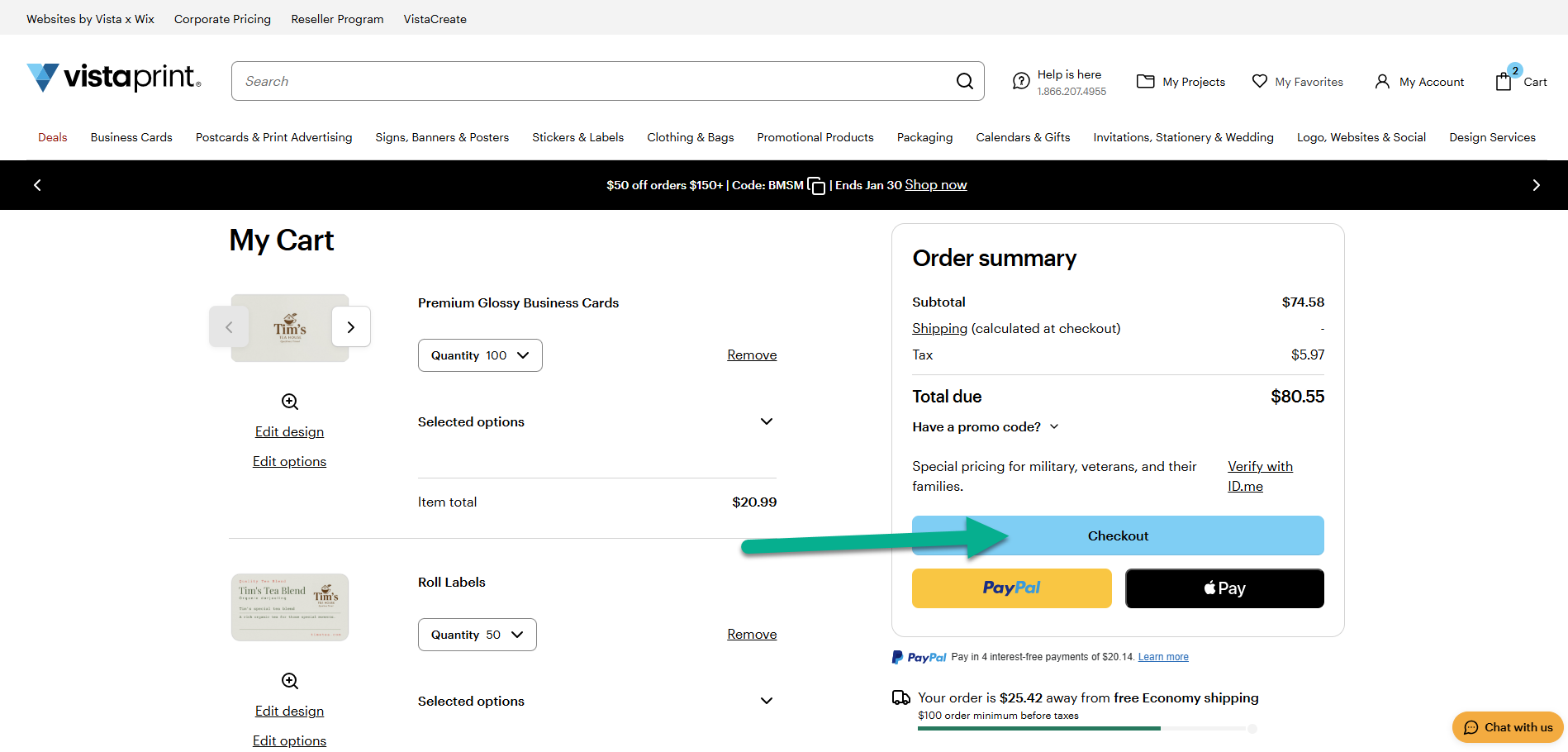
Shopping cart page with a Checkout button to start placing an order.
2

Enter your payment details

In the Payment method section, enter your new credit card information.
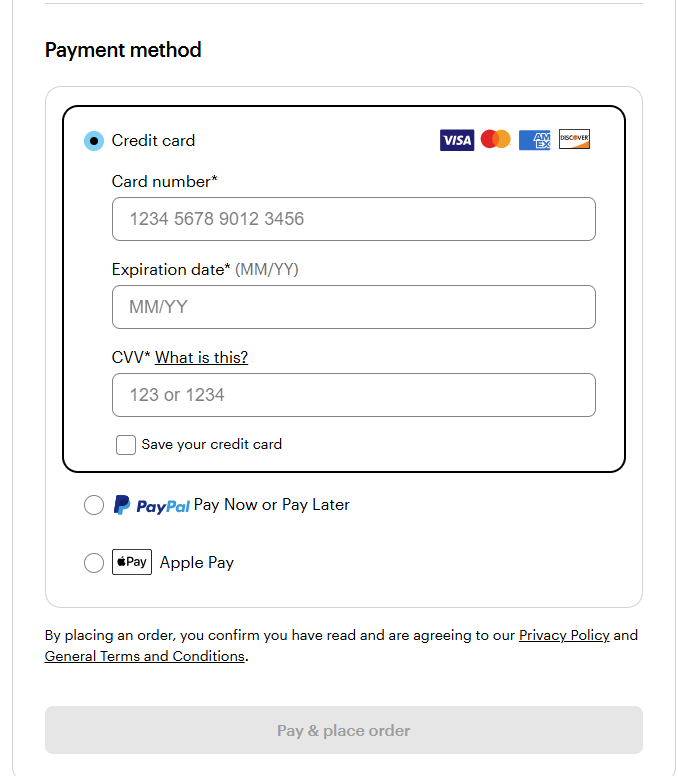
Payment method section at checkout with credit card fields and payment options.
3

Save the card

Before proceeding to pay and place the order, check the box "Save your credit card". This stores the card for future purchases. 
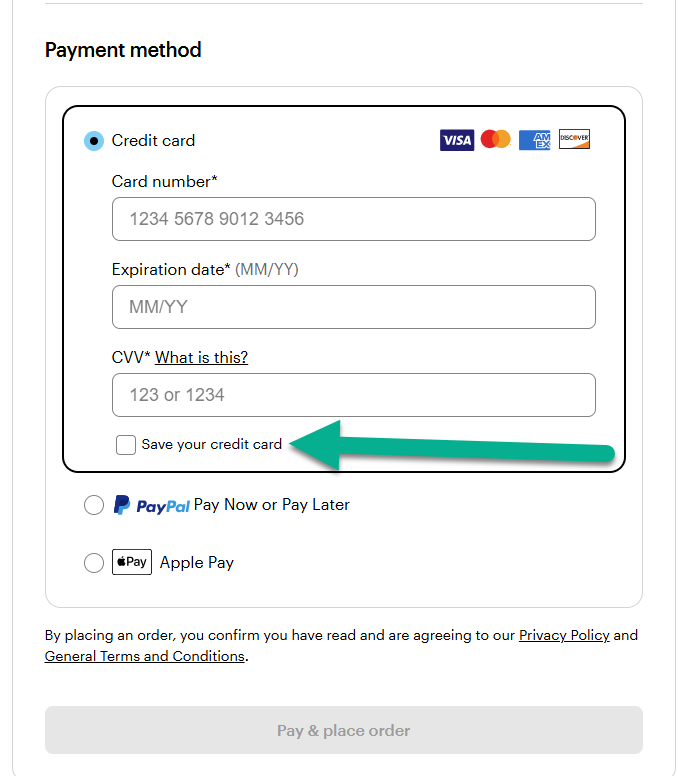
Credit card form showing the ‘Save your credit card’ checkbox selected.

Was this article helpful?
Learn how we use your feedback

Connect live with Customer Support

Need help?

Contact Us
