Zoomable Image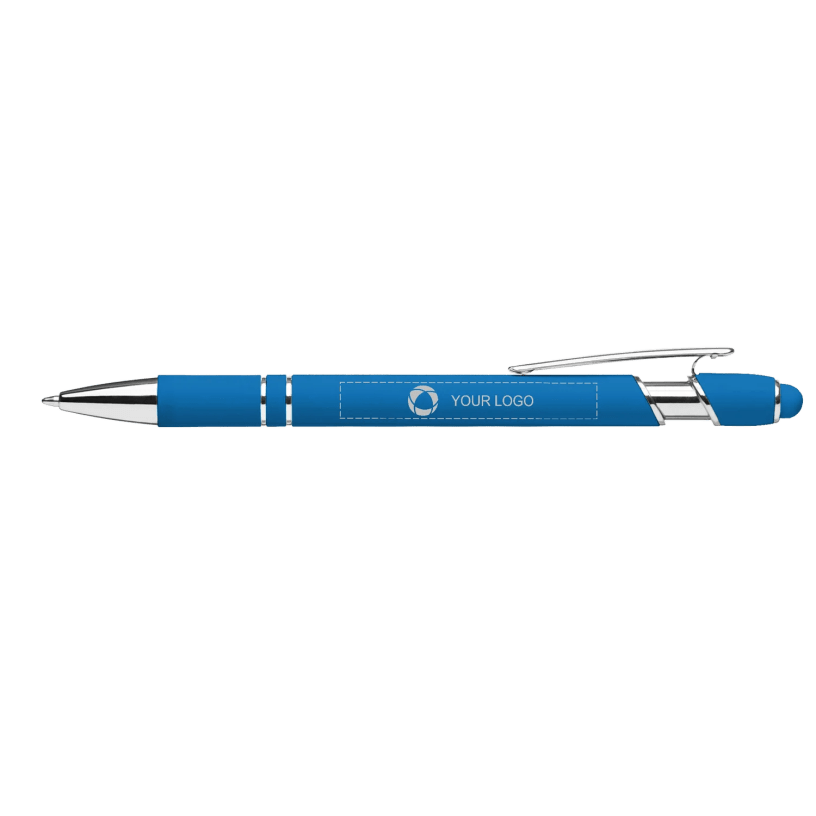 Zoomed to minimumUse plus and minus key to zoom and arrow keys to pan
Zoomed to minimumUse plus and minus key to zoom and arrow keys to pan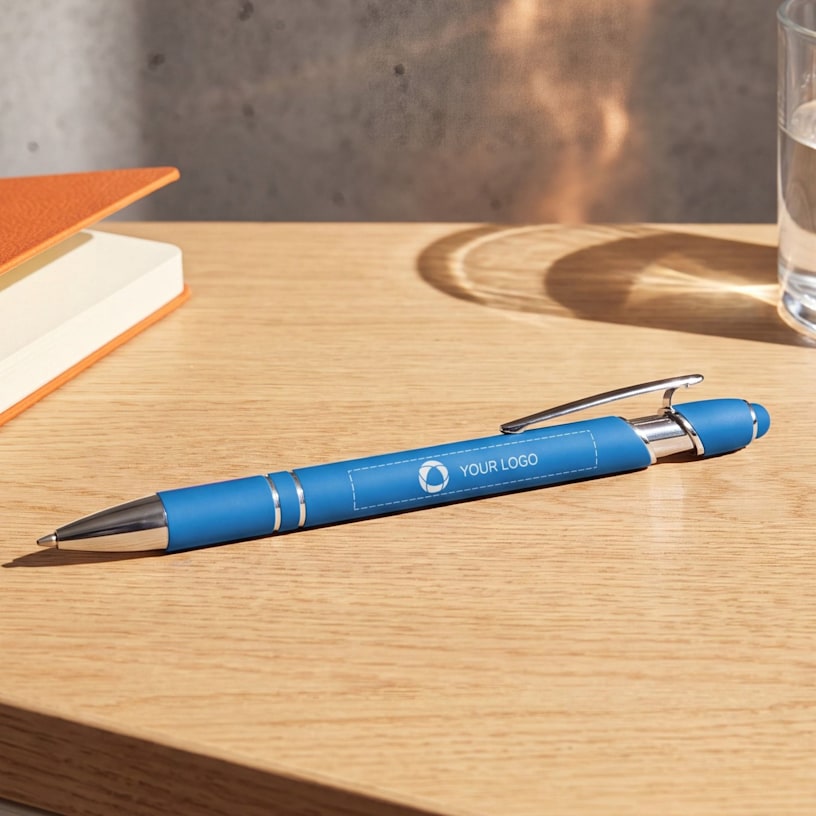
Curva Softy Brights Stylus Ballpoint Pen
Add your logo to this stylish metal pen that features a soft-touch rubberized finish and built-in stylus for modern convenience. Crafted from aluminum with smooth-writing ink.
Promote your brand at every event with this versatile writing tool.
- Aluminum construction
- Rubberized soft-touch finish
- Bright colors
- Integrated stylus for touchscreen devices
- Medium ballpoint with black and blue ink
Make a lasting impression with this stylish ballpoint pen and stylus combo featuring a soft-touch rubberized finish in vibrant colors. The dual-function design works seamlessly for writing notes and navigating touchscreen devices, making it essential for busy professionals. It's easy to customize - add your logo, message or info using our intuitive studio. Need a hand? Our design experts are here to help bring your ideas to life.
Product features
Product Id
PRD-GWLOMT7SN
Type
Stylus-Pen Combo
Brand
Unbranded
Length
5.65 in
Weight
0.04 lbs
Diameter
0.39 in
Material
Aluminum
Reviewed by 31 customers
Great Pens!
Oct 13, 2026 | Mary R. |  United States |
United States |
Verified Buyer
Love the look of these pens!
Nice pens
Oct 12, 2026 | Elizabeth S. | United States |
United States |Verified Buyer
These are great pens I just wish that vista had a bigger engraving machine so that my logo was so squished up. I questioned the guy on the phone about it and that's what he told me because I told him I had that excate pen in my hand from another company and you could see their logo fine. It would had also been a bonus if my color wasn't out of stock. But the pen it's self writes nice.
Excellent Pen
Oct 10, 2026 | Sharon C. | United States |
United States |Verified Buyer
I bought these for our craft business as an “impulse buy” and I’m very happy I did! These are great pens and great advertisement. They write smoothly and have a very comfortable grip.
Amazing Product!
Oct 9, 2026 | MAMA I. | United States |
United States |Verified Buyer
Very impressed with the quality of the pen, great giveaway item!
Great pen!
Oct 7, 2026 | Mary G. | United States |
United States |Verified Buyer
This is a great pen: writes well and has good heft. Only issue is that etching area is somewhat small so there isn’t much advertising “real estate”. Thinly etched fonts show much better on darker pen colors.
Displaying Reviews 1-5