

Bestsellers
New Products
Explore all categories
Explore all categories
Explore all categories
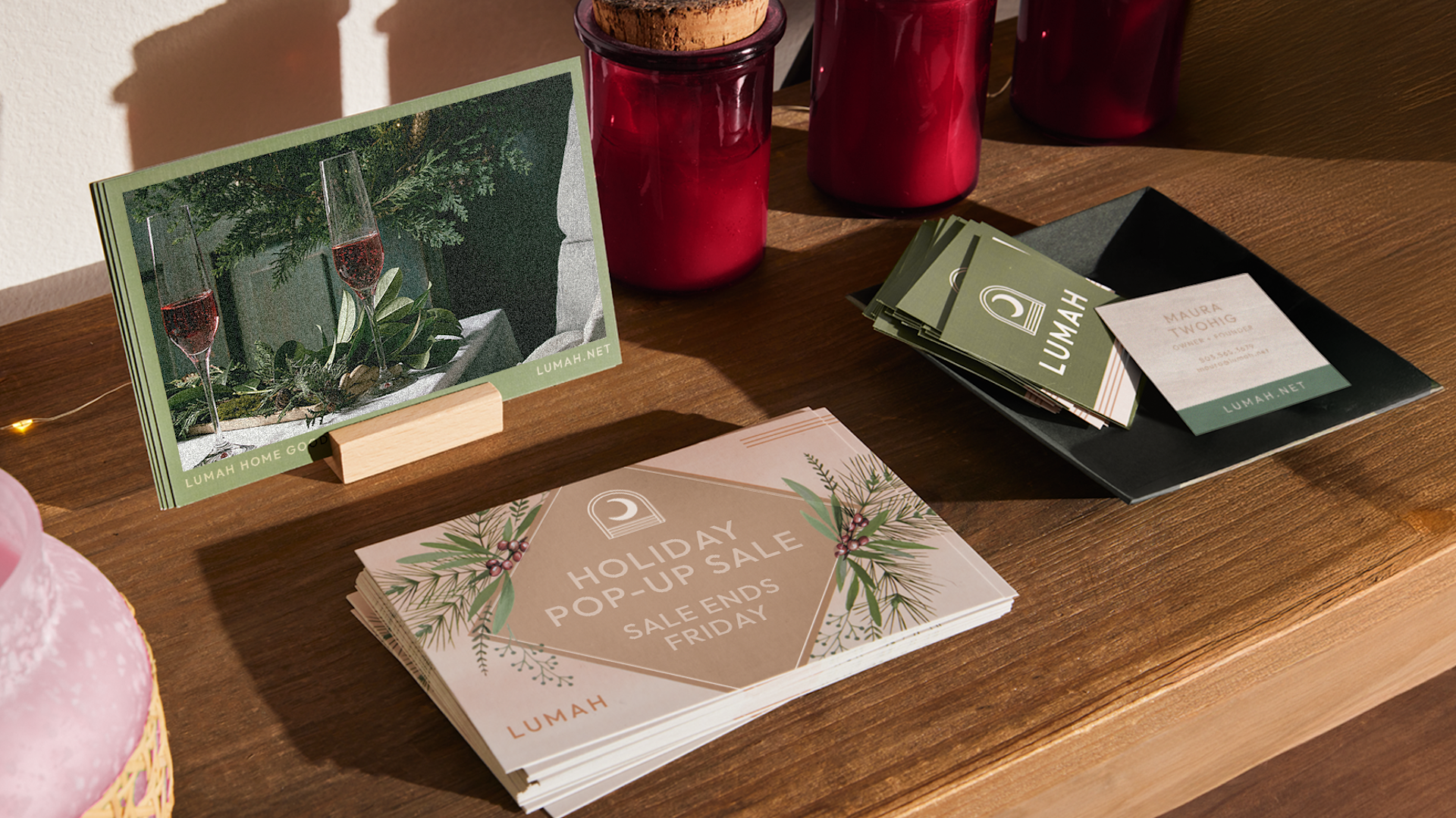
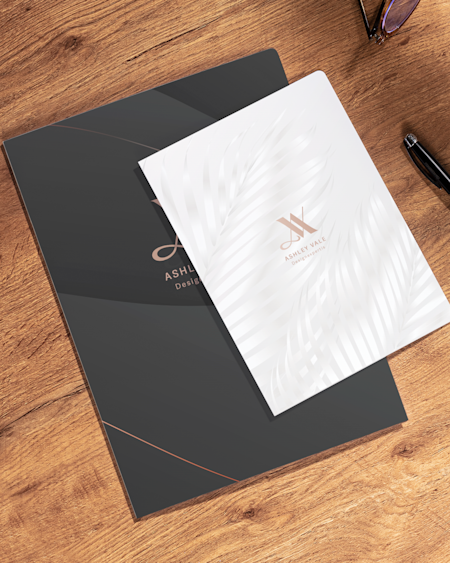
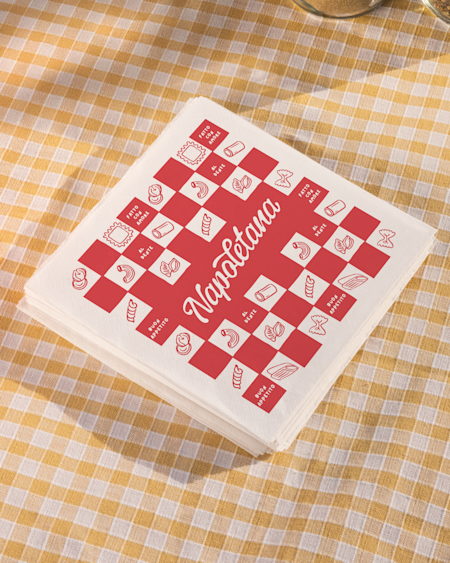
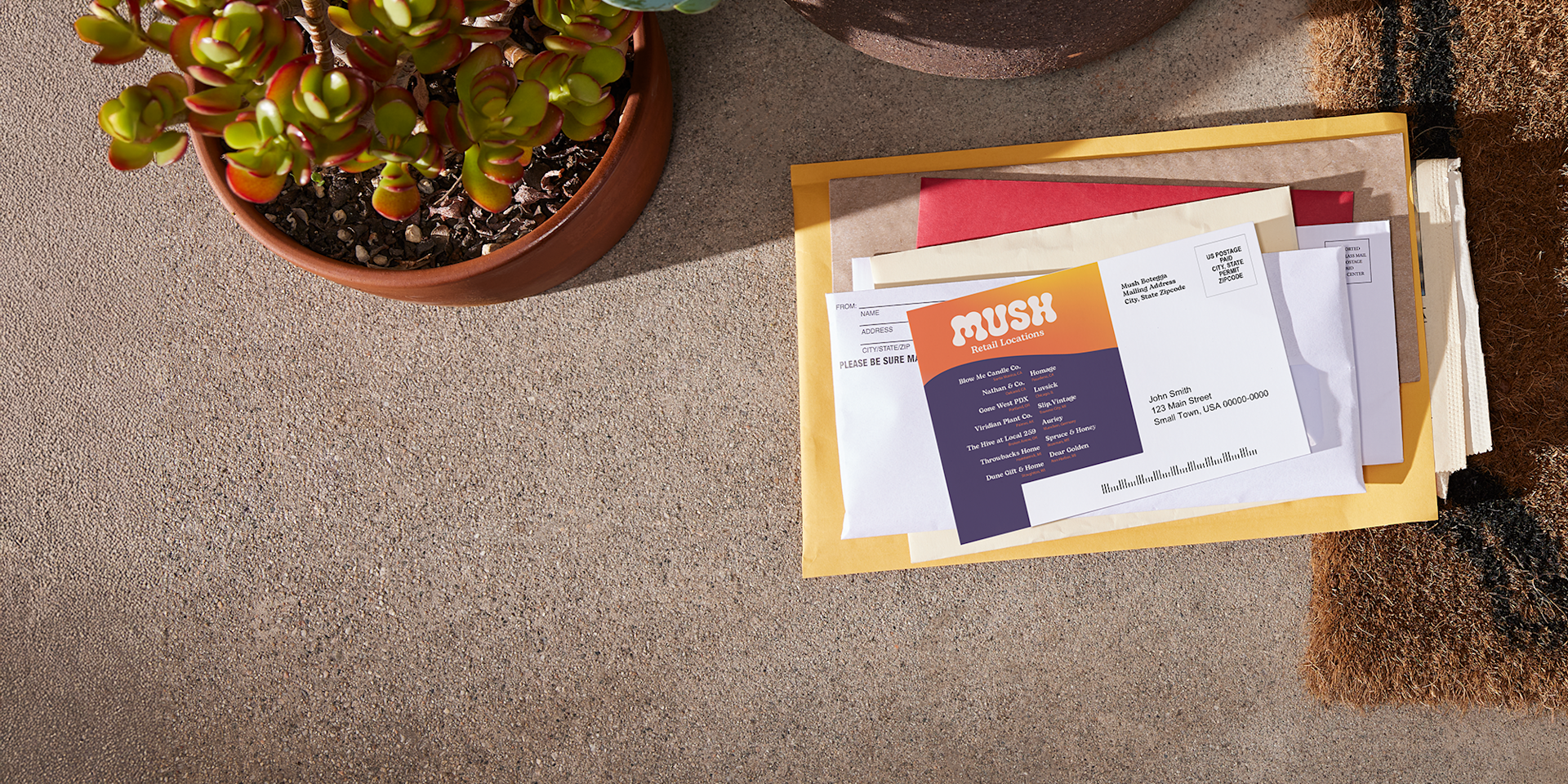
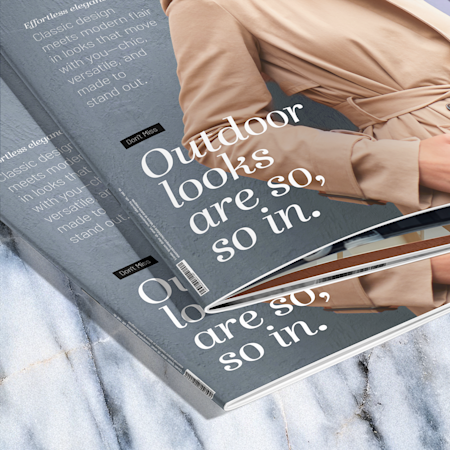
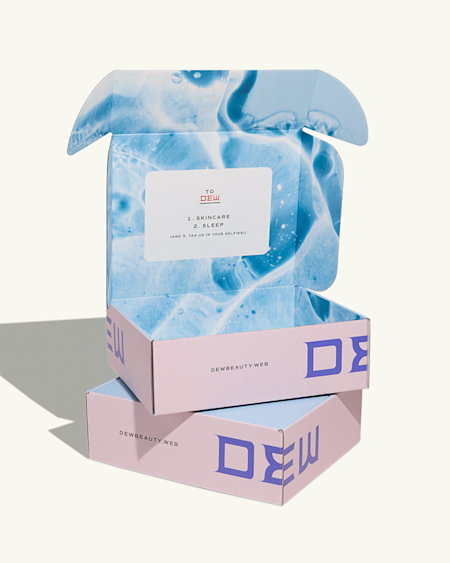
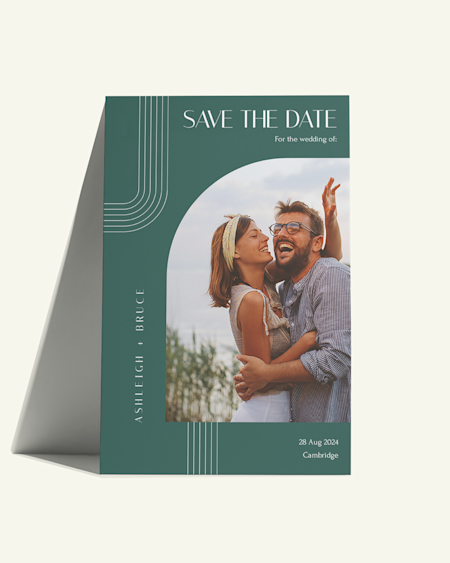
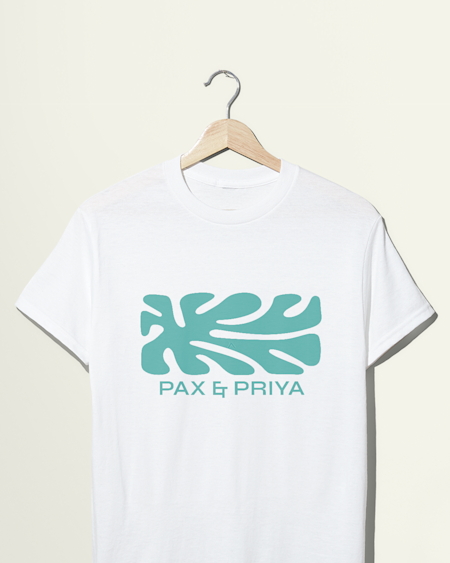
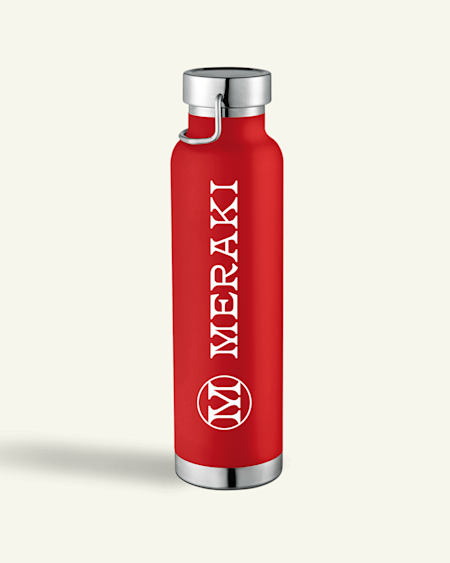
When designing your marketing materials with VistaPrint, you can upload your logo, add your company colours and access our library of fonts to create a consistent look for your brand. If you have a print-ready design, you can upload that directly to the design studio for most of our products. For a professional look, we recommend using the same design or design elements across different products, from flyers to presentation folders, booklets and more.
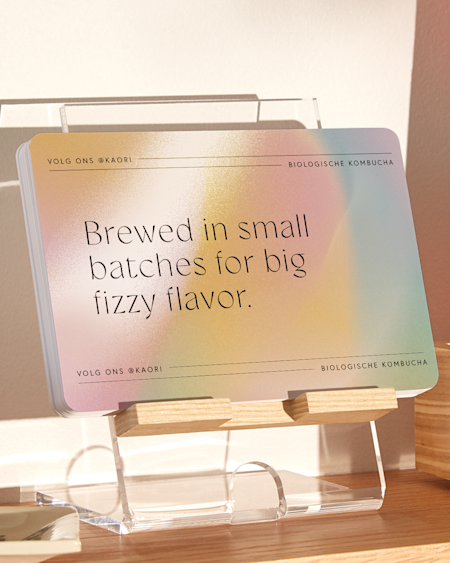
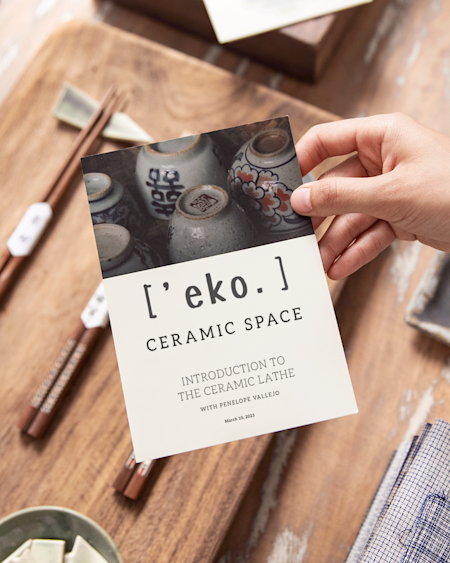
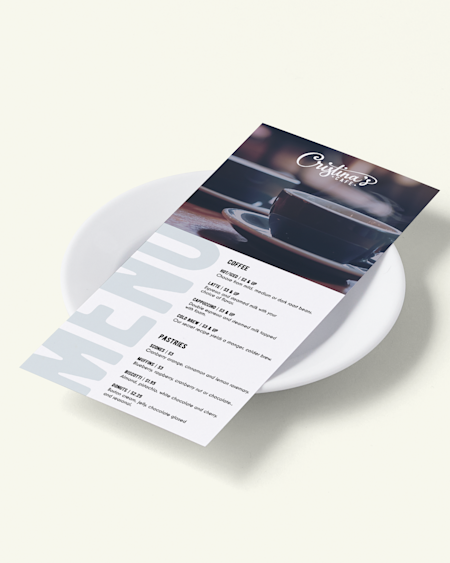
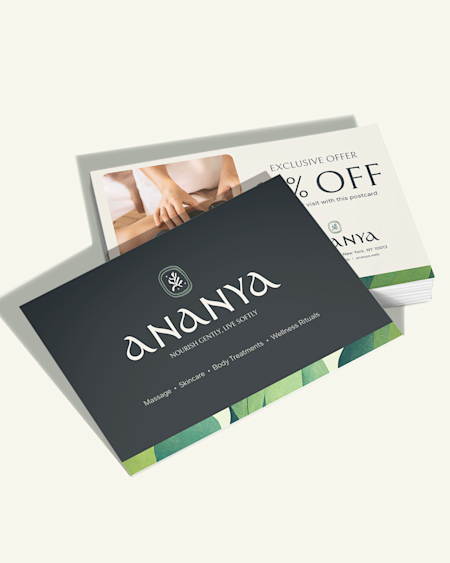
When choosing fonts for your marketing materials, we suggest using no more than 2 styles. Script fonts are good at getting noticed, making them a popular choice for headlines on postcards or flyers. Sans-serif fonts are easier to read, making them a great option for longer text on products like menus, brochures and more. If you'd like some more direction in choosing your marketing materials fonts, you can always reach out to our design services for help.
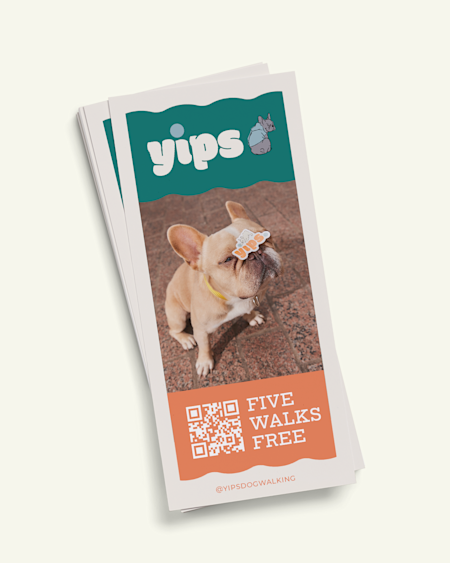
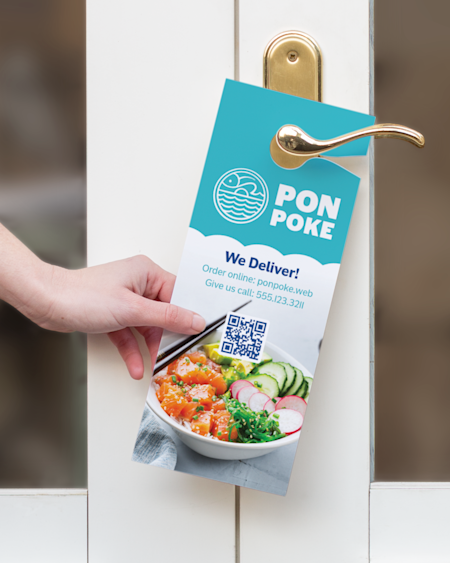
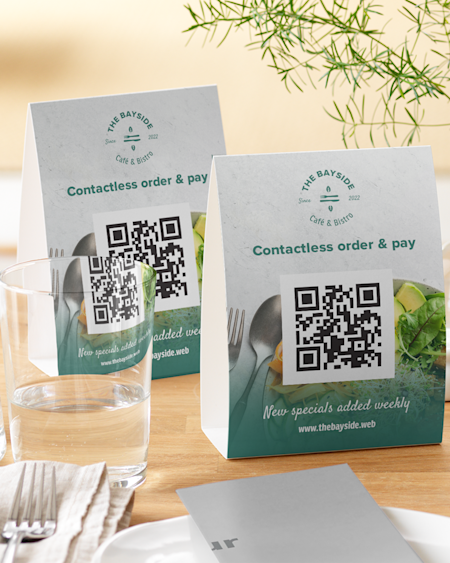
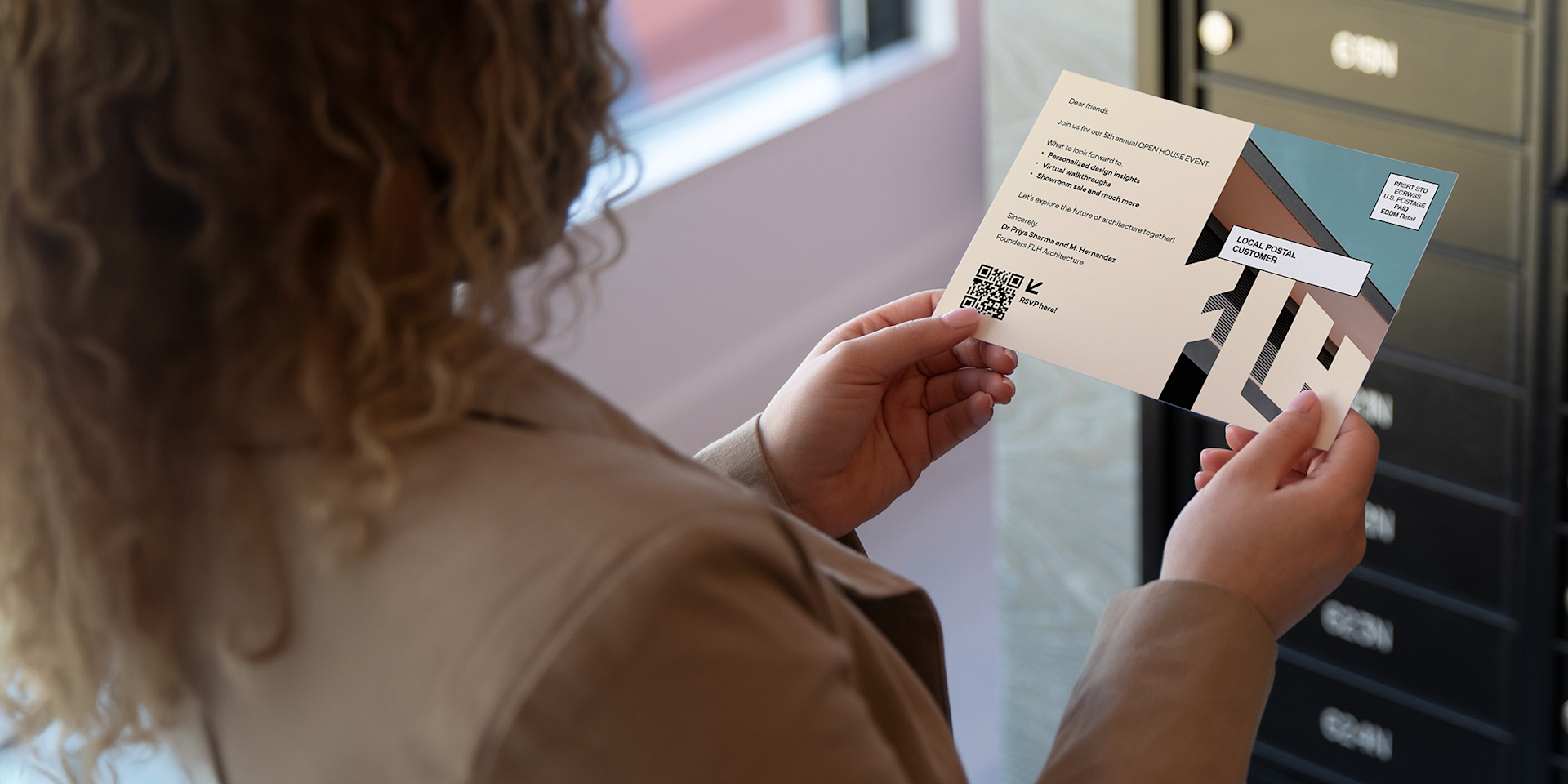
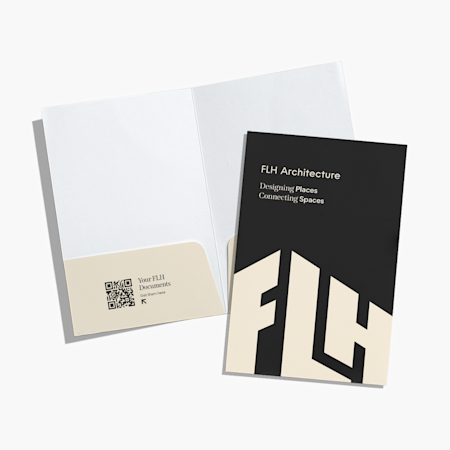
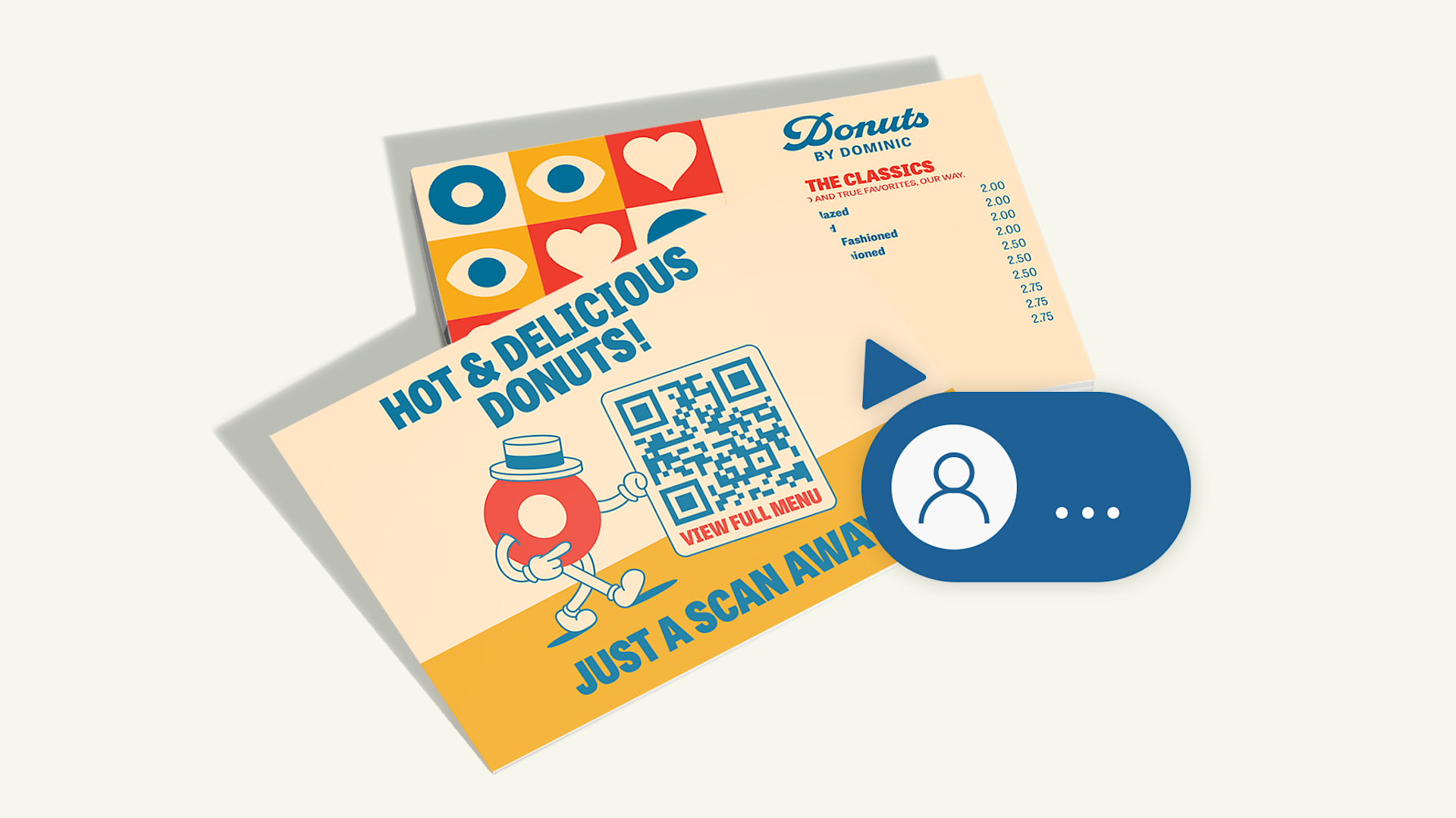
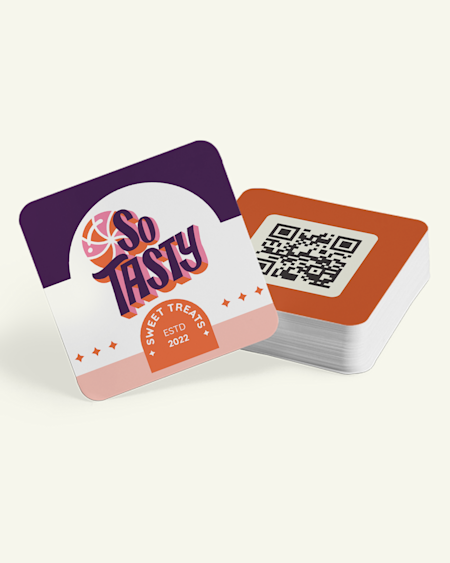
There are 2 ways to add QR codes to your marketing materials. First, you can browse our gallery of templates for QR code designs. Selecting one of these designs will automatically generate a unique QR code for your printed materials. Second, you can select the option ‘QR code’ in our design studio. This option will generate a unique code that can be added to your design. This feature is available with most of our products, like table tents, postcards, custom tickets, door hangers and more.